On this page
- Are duplicates really your problem?
- Find duplicates with Finder
- Find duplicate photos in the Photos app
- Find duplicates in Terminal, by content
- When a duplicate finder app is worth it
- The duplicates that are actually big
- Does a Mac have a built-in duplicate finder?
- Is it safe to delete duplicate files on a Mac?
- What is the best free duplicate file finder for Mac?
You can find duplicate files on a Mac without paying for an app: Finder can search by the names duplicates tend to have, Photos has a built-in Duplicates album on macOS 13 and later, and one Terminal command finds identical files by content. Before you start, a warning from experience: duplicates are rarely the biggest thing on a full Mac. They're usually a few hundred megabytes, while an old iPhone backup or an app's leftover cache is tens of gigabytes.
This guide covers the free methods, where a paid duplicate finder earns its price, and what not to delete.
Are duplicates really your problem?
Check before you spend an afternoon on it. People come to us convinced duplicates are eating their storage; after a scan there's typically 300 to 800 MB of duplicated photos and documents, next to 40 GB of iPhone backups they forgot about or 20 GB of caches from apps they deleted years ago.
The exception is media libraries. If you've imported the same camera card twice, exported the same video at the same settings twice, or copied a Photos library to an external drive and back, duplicates can run to tens of gigabytes. Photographers, video editors and anyone who has migrated between Macs by hand are the people this guide is really for. Everyone else should start with how to free up space on Mac and come back if there's still a gap.
Find duplicates with Finder
Most accidental duplicates have a tell in the name: report (1).pdf, IMG_2041 copy.jpg, Screenshot 2026-03-01 at 09.12.44 (2).png.
- Open Finder and press Cmd + F.
- Set the search to your home folder or This Mac.
- Set the filter to Name > contains, and type
copy. Run a second search for(1)and a third for(2). - Switch to list view and sort by Size so the ones worth deleting are at the top.
Click Save to keep it as a Smart Folder in the sidebar and rerun it any time. Check each match against its original before deleting; a file named logo copy.png is sometimes the one you edited.
What it misses: files with identical content and different names. That's most duplicates in a photo library.
Find duplicate photos in the Photos app
On macOS 13 Ventura and later, Photos finds exact and near-exact duplicates for you. In the sidebar, under Utilities, click Duplicates. Photos shows each pair or group side by side with their sizes. Merge keeps the highest-quality version and moves the rest to Recently Deleted, combining any edits, keywords and albums.
The album only appears after Photos has finished analysing your library, which can take a day on a large one. Leave the Mac plugged in and awake. Duplicates outside Photos, such as JPEGs in a folder on the Desktop, aren't covered.
Find duplicates in Terminal, by content
This compares files by their contents, so it catches duplicates with different names. It lists every file under a folder whose checksum matches another file's:
find ~/Documents -type f -exec md5 -r {} + | sort | uniq -w32 -D
Change ~/Documents to the folder you want to check. Each line is a checksum followed by a path; lines with the same checksum are copies of the same file. The command only lists, it doesn't delete, so review the output and remove the copies you don't need by hand. On a folder with tens of thousands of files it takes a few minutes.
For the whole home folder, ~/Documents becomes ~, but expect app data in Library to produce matches you should leave alone.
When a duplicate finder app is worth it
If you have a large photo or video collection outside Photos, or you want a tool that compares images that look the same but differ in size or format, a dedicated app saves time. dupeGuru is free and open source, and has a picture mode that matches similar images. Gemini 2 from MacPaw is the best-known paid option. Whatever you use, turn off any automatic clean-up and review the list yourself, because these tools have deleted things that weren't spare:
- Project media. Adobe Premiere, Final Cut and Logic projects keep copies of media inside the project. Remove them and the project breaks.
- Hard links. Some backup tools store one file under several paths. A finder sees two copies; there's one file, and deleting the "duplicate" deletes the original.
- App bundles. Apps contain many identical small files by design. Exclude
/Applicationsand~/Library. - iCloud placeholders. A file that lives in iCloud and also locally isn't a duplicate.
Keep the copy in the place you'd look for it, delete the rest, and empty the Trash afterwards or the space doesn't come back.
The duplicates that are actually big
The biggest "duplicates" we see aren't files, they're backups. Every local iPhone or iPad backup is stored in ~/Library/Application Support/MobileSync/Backup, and macOS keeps old ones indefinitely. Two or three backups of the same phone at 40 GB each is common. Connect the device, select it in the Finder sidebar, click Manage Backups, and delete the ones for phones you no longer own.
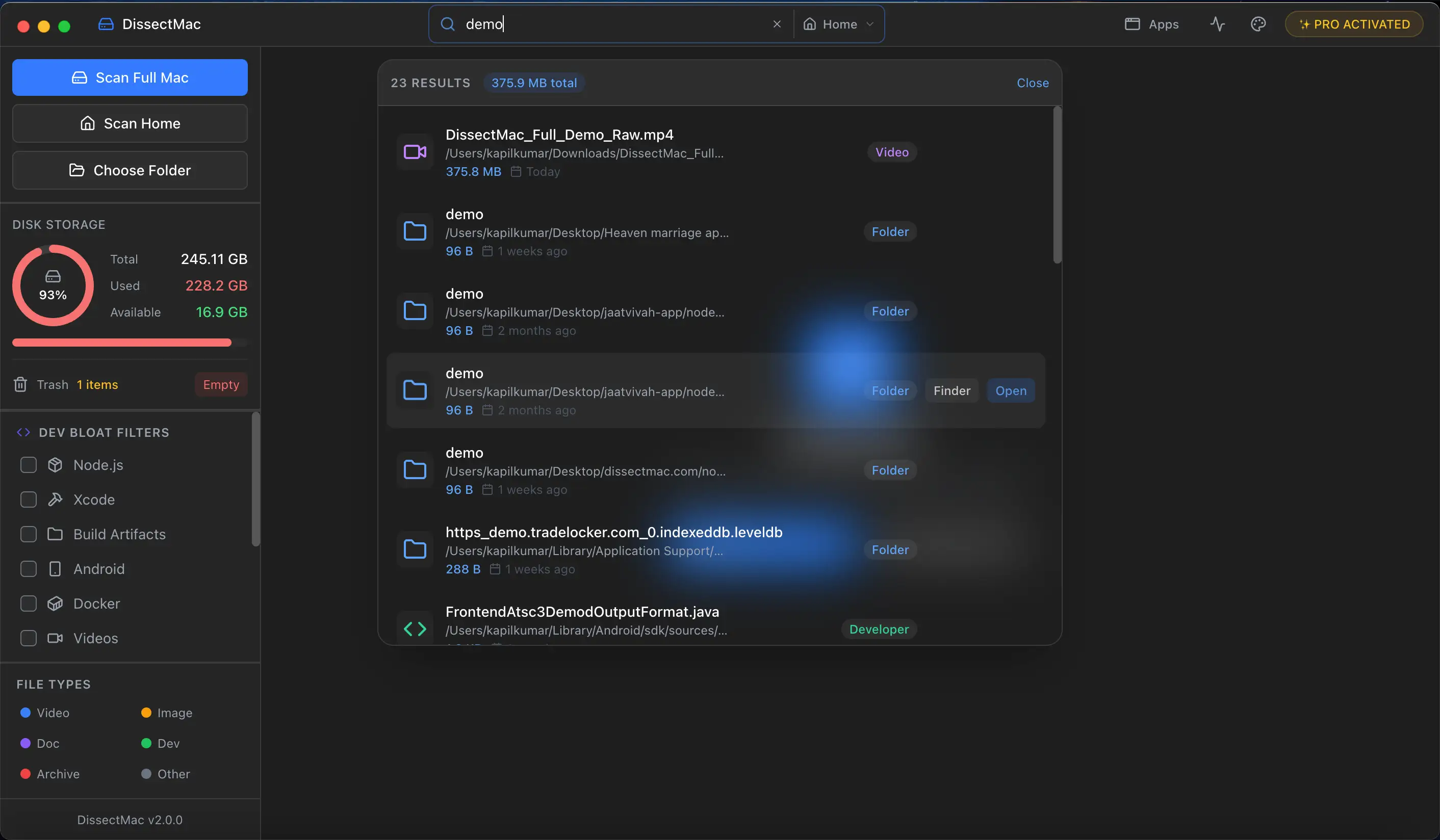
Where a disk map helps here is size, not names. Open DissectMac, scan your drive, and every folder is a block sized by the space it uses. Two blocks of the same size in two places, such as a folder in Documents and one in an old "Backup" folder, is worth a look: reveal both in Finder and compare. It isn't automatic duplicate detection, and we don't claim it is, but it catches the big offenders in seconds and shows the backups and caches that are usually the real problem.
Does a Mac have a built-in duplicate finder?
Only for photos. The Photos app on macOS 13 and later has a Duplicates album under Utilities that finds and merges duplicate images and videos in your library. For other files there's no built-in finder; Finder's search by name and the Terminal command above are the closest macOS gets.
Is it safe to delete duplicate files on a Mac?
Deleting a true duplicate, a second copy of a document or photo you made yourself, is safe. It isn't safe when the "duplicate" is media inside an app's project, a hard link created by backup software, or part of an app bundle. Review every file before deleting, leave /Applications and ~/Library alone, and empty the Trash only once you've confirmed nothing broke.
What is the best free duplicate file finder for Mac?
For photos, the Photos app itself, since it's already installed and merges intelligently. For everything else, dupeGuru is free, open source and handles music and images as well as plain files. If you only need a quick check of one folder, the Terminal command in this guide costs nothing and needs no install.
More guides
Free up space
How to Free Up Space on Mac: 12 Fixes That Actually Work
12 ways to free up space on a Mac, starting with the ones that return the most. Includes the hidden folders and leftovers Apple's Storage screen never shows.
Free up space
Docker.raw Is Huge on Mac: How to Shrink Docker's Disk
Why Docker.raw grows to 60 GB or more on a Mac and never shrinks, how to prune images and volumes, resize the disk image, and whether you can delete Docker.raw.
Free up space
node_modules Taking Up Space on Mac: How to Find and Delete Them All
Find every node_modules folder on your Mac with one command or npkill, delete the ones from abandoned projects, and clear the npm, Yarn and pnpm caches too.
Free up space
How to Delete Downloads on Mac (and Find the Ones You Forgot)
Delete downloads on a Mac from the Downloads folder, Dock or Storage settings, find downloads saved elsewhere, and why clearing the browser list frees nothing.