Guides
Every way a Mac fills up, and how to fix it.
Written by the people who make DissectMac. Real folders, real numbers, and the safe order to delete things in.
Uninstall apps properly
Remove an app and the caches, containers and preferences it leaves behind.
Start here
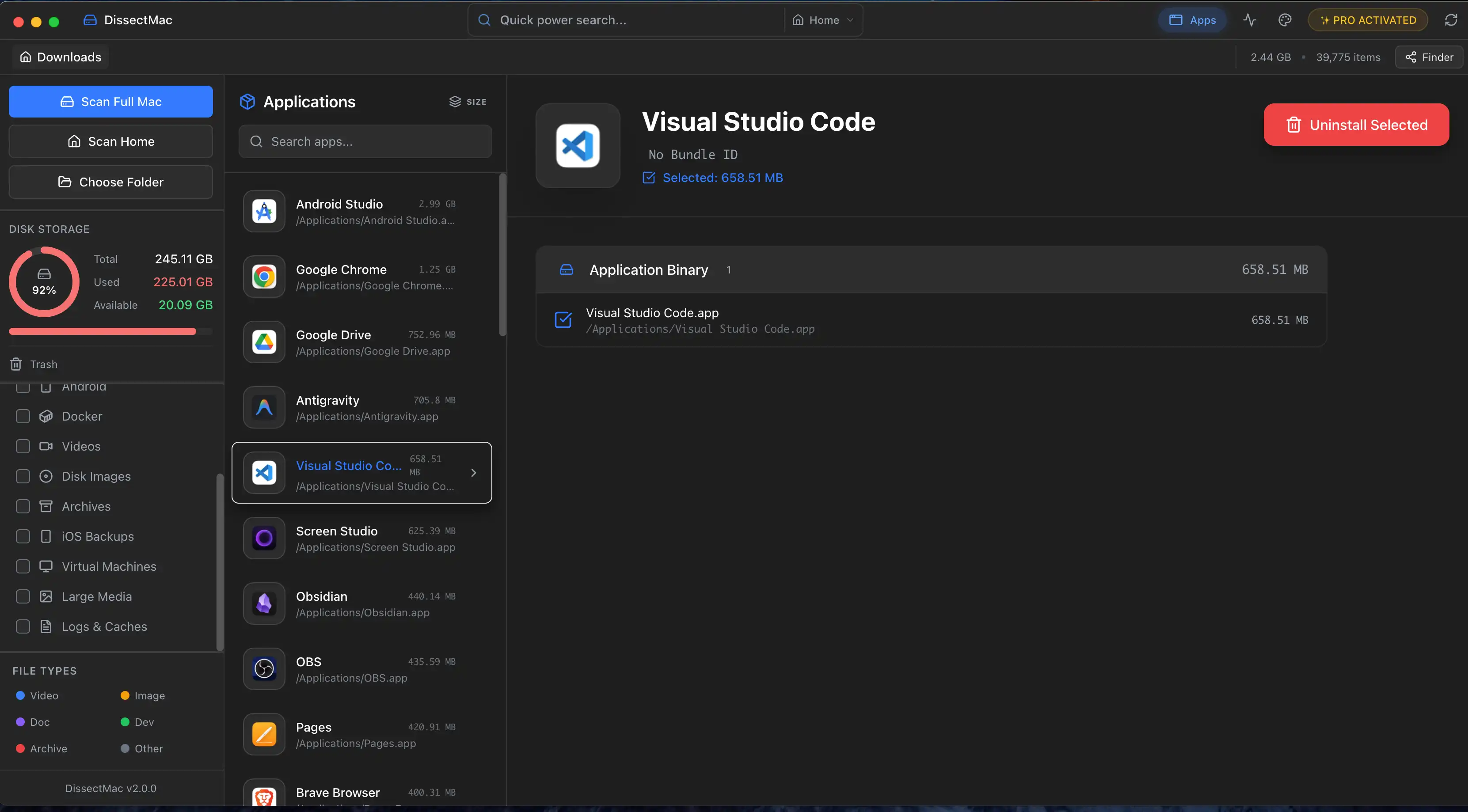
How to Uninstall Apps on Mac Completely (Leftovers Included)
How to uninstall apps on a Mac properly: Finder, Launchpad, official uninstallers, apps that won't delete, and the ~/Library leftovers most guides skip.
Updated Sep 22, 2026 · 8 min read
Free up space
Caches, downloads, backups, duplicates and developer junk, biggest first.
Start here
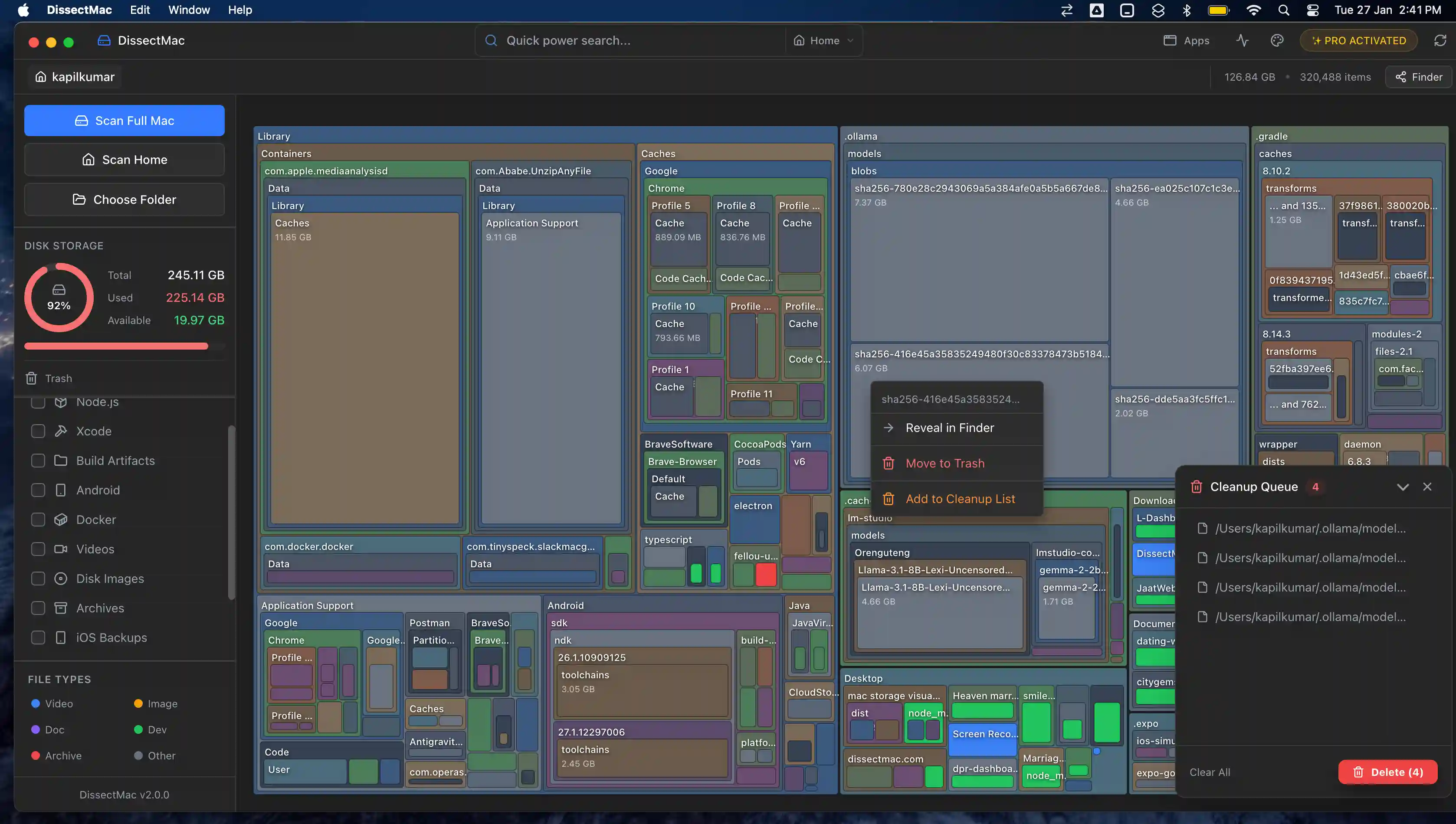
How to Free Up Space on Mac: 12 Fixes That Actually Work
12 ways to free up space on a Mac, starting with the ones that return the most. Includes the hidden folders and leftovers Apple's Storage screen never shows.
Updated Sep 22, 2026 · 7 min read
- Sep 23, 2026 · 4 min read
Docker.raw Is Huge on Mac: How to Shrink Docker's Disk
Why Docker.raw grows to 60 GB or more on a Mac and never shrinks, how to prune images and volumes, resize the disk image, and whether you can delete Docker.raw.
- Sep 23, 2026 · 4 min read
node_modules Taking Up Space on Mac: How to Find and Delete Them All
Find every node_modules folder on your Mac with one command or npkill, delete the ones from abandoned projects, and clear the npm, Yarn and pnpm caches too.
- Sep 23, 2026 · 5 min read
How to Delete Downloads on Mac (and Find the Ones You Forgot)
Delete downloads on a Mac from the Downloads folder, Dock or Storage settings, find downloads saved elsewhere, and why clearing the browser list frees nothing.
- Sep 23, 2026 · 4 min read
How to Clear Cookies on a Mac: Safari, Chrome and Firefox
How to clear cookies on a Mac in Safari, Chrome and Firefox, for one site or all of them, what you'll be signed out of, and how to block third-party cookies.
- Sep 23, 2026 · 4 min read
How to Flush the DNS Cache on a Mac (One Terminal Command)
Flush the DNS cache on a Mac with one Terminal command that works on macOS 26 and back to El Capitan, plus Chrome's separate cache and when flushing helps.
- Sep 23, 2026 · 5 min read
Finding Duplicate Files on Mac Without Paying for an App
Find duplicate files on a Mac for free with Finder, Photos and one Terminal command, when a duplicate finder app is worth it, and why duplicates rarely matter.
- Sep 23, 2026 · 4 min read
Xcode DerivedData: Is It Safe to Delete, and How
Xcode DerivedData is safe to delete. What's in it, three ways to clear it, and the other Xcode folders (device support, simulators, archives) that fill a Mac.
- Sep 23, 2026 · 5 min read
Android Studio Taking Up Space on Mac: Where It Hides and How to Clear It
Android Studio fills a Mac through emulator images, SDK system images and Gradle caches. Where each lives, what's safe to delete, and how to uninstall it fully.
- Sep 22, 2026 · 5 min read
How to Clear Cache on Mac: Browser, App and System Cache
How to clear cache on a Mac, step by step: Safari, Chrome and Firefox, app caches in ~/Library/Caches, system cache and developer caches, and what's safe.
- Sep 22, 2026 · 5 min read
~/Library/Caches on Mac: What's Safe to Delete (and What Isn't)
Is it safe to delete ~/Library/Caches on a Mac? Yes, for almost every app. Which folders are safe, which to leave alone and how to clear it safely.
System Data
What the grey bar holds, why it grows and how to shrink it safely.
Start here
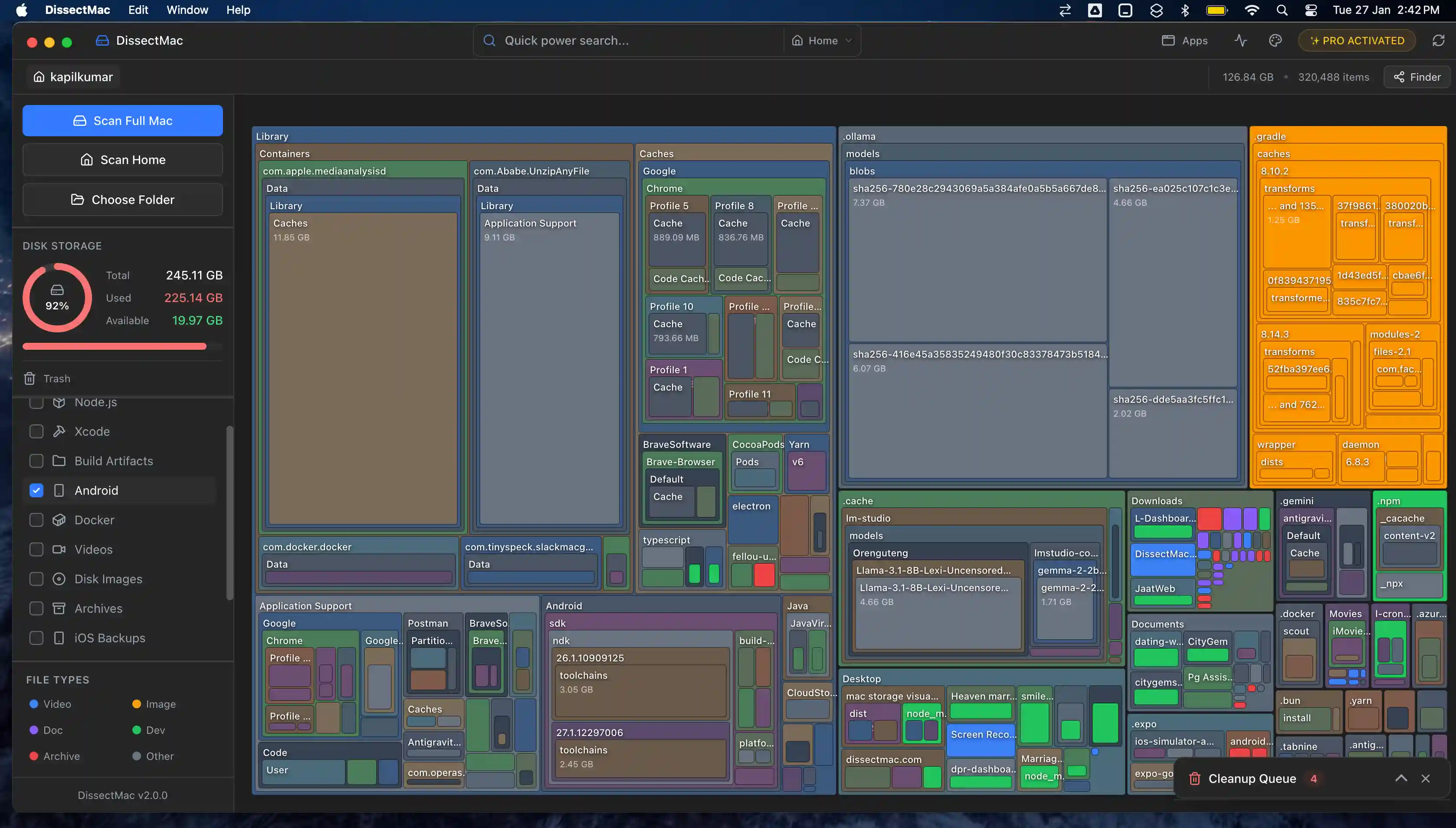
System Data on Mac: What It Is and How to Clear It
System Data is the grey bar in macOS Storage holding caches, snapshots, backups and app leftovers. See what's in it, how much is normal and how to clear it.
Updated Sep 22, 2026 · 8 min read
- Sep 23, 2026 · 4 min read
What Is "Other" in Mac Storage, and How Do You Clear It?
'Other' in Mac storage is caches, logs, snapshots, backups and anything macOS can't categorise, renamed System Data in macOS 12. What's in it, how to clear it.
- Sep 22, 2026 · 6 min read
Why Is System Data So Big on Mac? 8 Causes and How Much Is Normal
System Data on your Mac is huge for one of 8 reasons, from Time Machine snapshots to app leftovers. How much is normal, how to find the cause and what to do.
- Sep 22, 2026 · 4 min read
What is 'Other Volumes in Container'? (And Why It's So Large)
'Other Volumes in Container' is how APFS labels every volume except the one you selected, usually including your own files. What it means and how to shrink it.
Slow Mac
Find what's eating CPU and memory, then fix it.
Start here
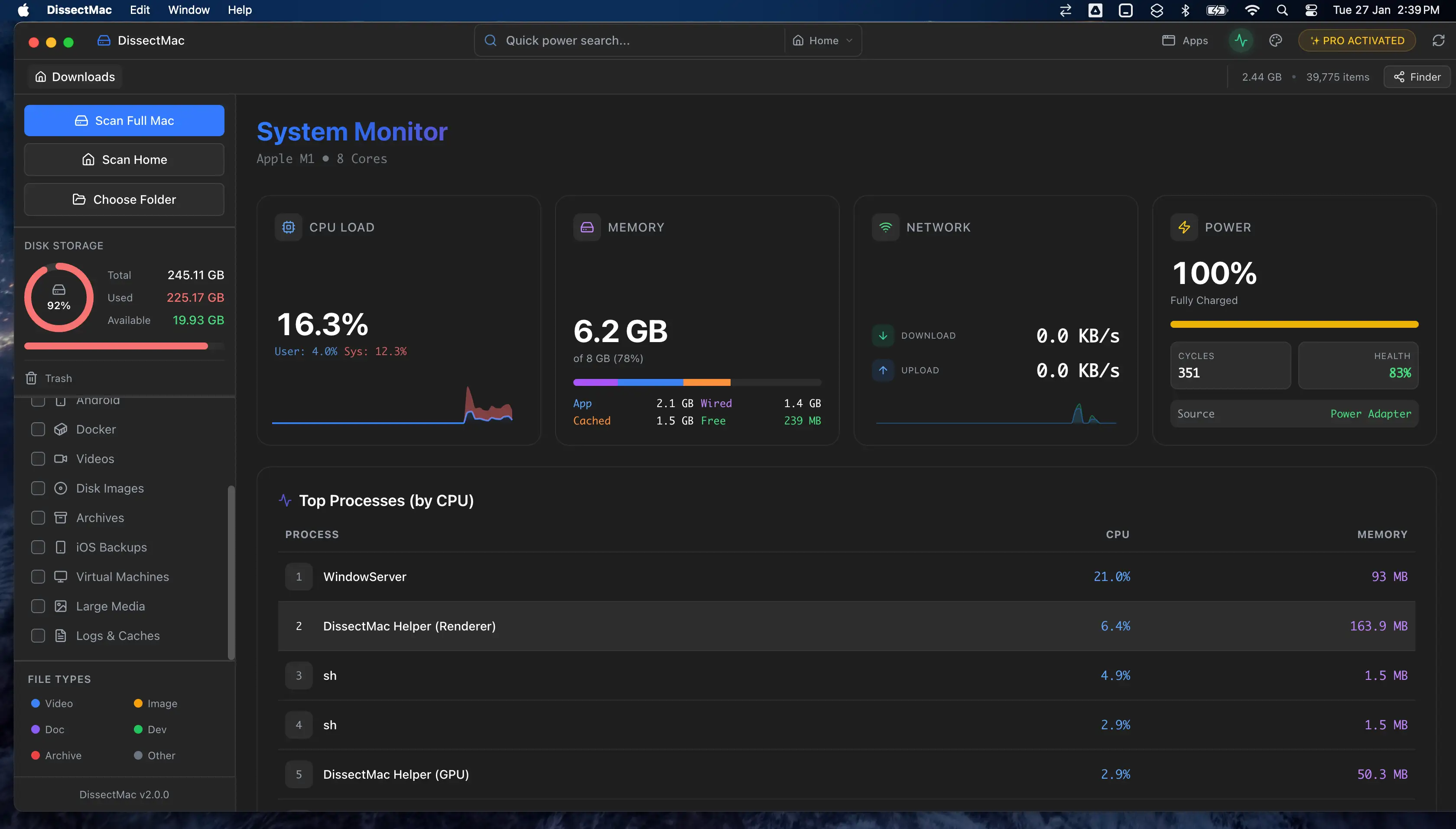
Why Is My Mac So Slow? 8 Causes and How to Fix Each One
A slow Mac usually has one of 8 causes: a full disk, memory pressure, a runaway process, login items, heat or old hardware. Find yours in 5 minutes and fix it.
Updated Sep 23, 2026 · 10 min read
- Sep 23, 2026 · 4 min read
"Your System Has Run Out of Application Memory" on Mac: What It Means and How to Fix It
The 'your system has run out of application memory' alert means macOS ran out of RAM and swap. What causes it, the app to force quit first, and how to stop it.
- Sep 23, 2026 · 4 min read
How to Stop Apps From Opening on Startup on a Mac
Stop apps opening at startup on a Mac: remove them from Login Items, turn off background items, untick Reopen windows, and find the launch agents that hide.
- Sep 23, 2026 · 6 min read
How to Clear RAM on a Mac (and Why Memory Cleaners Don't Help)
How to free up RAM on a Mac: find what's using memory in Activity Monitor, quit it, cut tabs and login items, and why sudo purge and memory cleaners don't help.
- Sep 23, 2026 · 5 min read
Task Manager on Mac: How to Open Activity Monitor and Use It
The Mac equivalent of Task Manager is Activity Monitor. How to open it, read the CPU, Memory, Energy, Disk and Network tabs, and force quit an app that's stuck.
Check storage
What the built-in tools show, and what they hide.
Start here
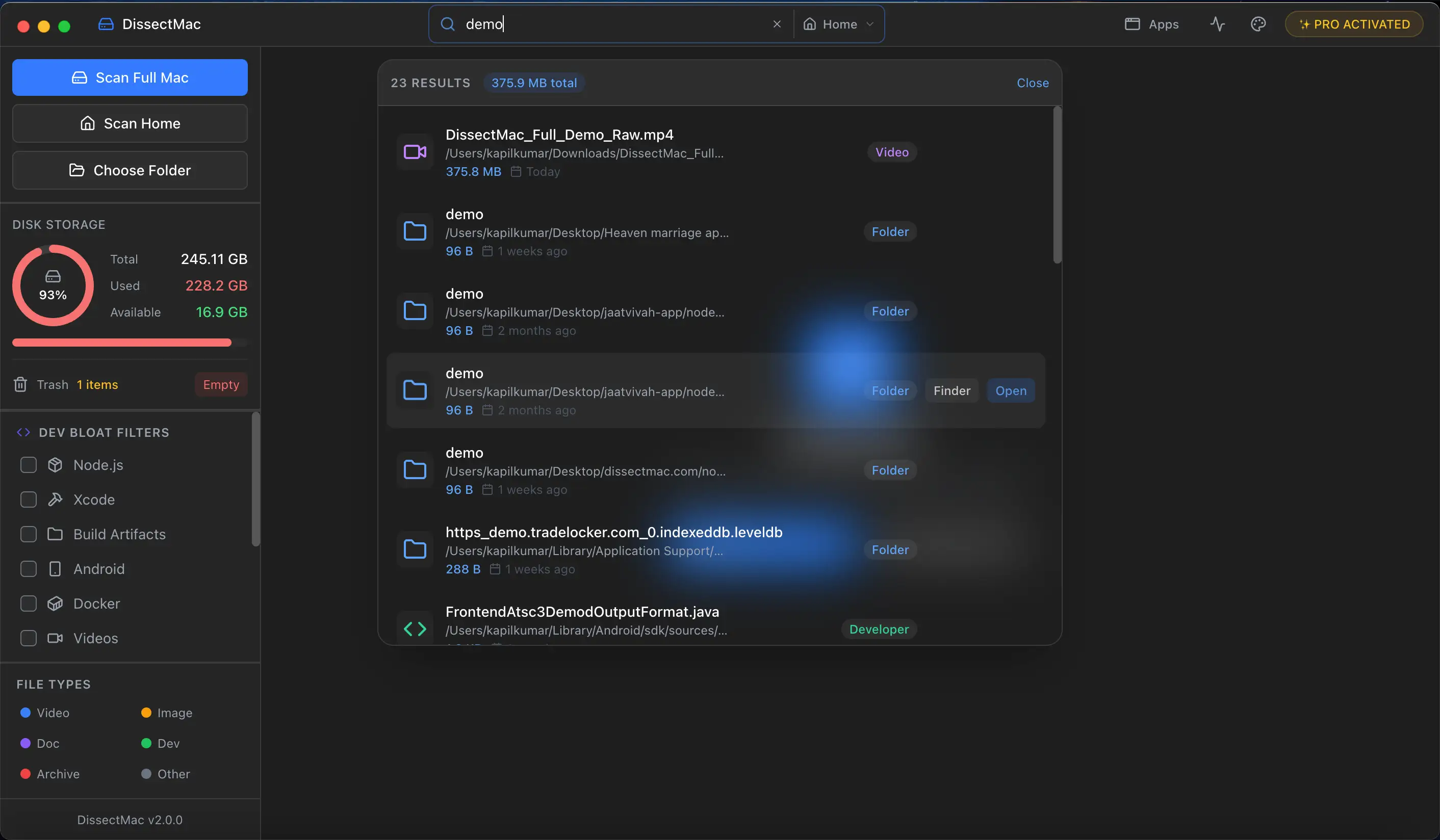
How to Check Storage on Mac (And What It Hides From You)
Check storage on a Mac in System Settings, Finder or Terminal, see which files use it, and understand purgeable space and why the storage bar never adds up.
Updated Sep 23, 2026 · 5 min read
- Sep 23, 2026 · 4 min read
Other Users & Shared Taking Up Space on Mac: What It Is and How to Clear It
Other Users & Shared in Mac storage is space used by other accounts, the Shared folder and deleted users' home folders. How to see what's in it and clear it.
- Sep 23, 2026 · 4 min read
How to Find Large Files on a Mac (Storage Settings, Finder, Terminal)
Find the largest files on a Mac with the Storage panel's Large Files list, a Finder search by size, one Terminal command, or a disk map drawn to scale.
Compare tools
DaisyDisk, CleanMyMac and the free options, side by side.
Start here
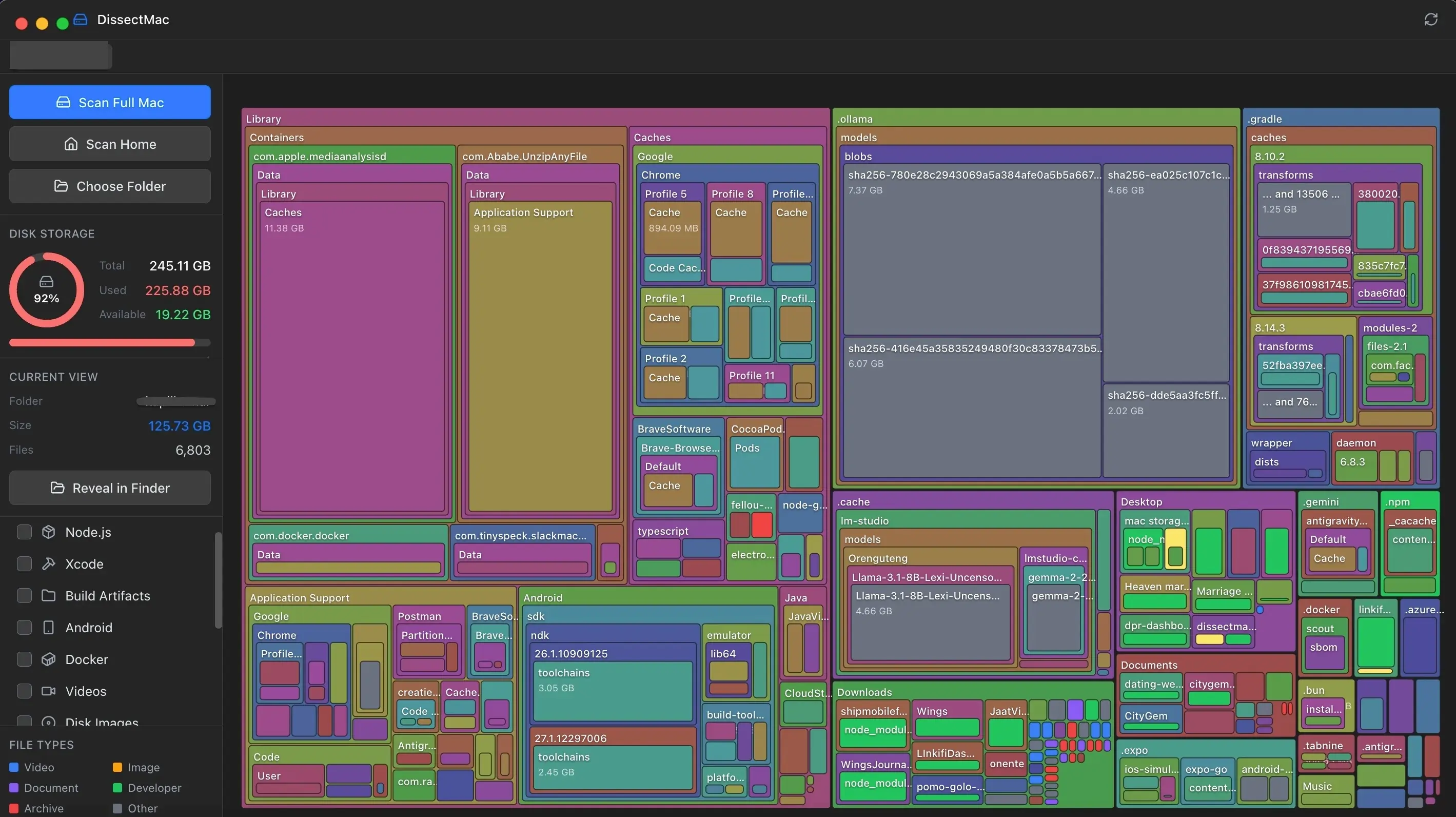
DaisyDisk Alternatives: Free Disk Analyzers We've Actually Tested
The best free DaisyDisk alternatives for Mac in 2026, compared: DissectMac, GrandPerspective, PocoDisk, OmniDiskSweeper, Disk Inventory X and SquirrelDisk.
Updated Sep 22, 2026 · 7 min read
- Feb 8, 2026 · 2 min read
GrandPerspective is Great. But It's Time for Something Modern.
GrandPerspective is free but feels dated on Apple Silicon Macs. Compare speed, UI & features with a modern alternative. Both are free →
- Nov 22, 2025 · 2 min read
CleanMyMac X Has a Yearly Subscription. Here's Our Alternative.
Not everyone wants to pay a recurring fee to clean their hard drive. Here's why we built DissectMac as a one-time purchase alternative to CleanMyMac X.