On this page
Docker.raw is huge on your Mac because Docker Desktop stores every image, container and volume inside one virtual disk file, and that file grows as you use Docker but doesn't shrink when you delete things inside it. Pruning from the Docker command line frees space inside the virtual disk; getting the space back on your Mac usually means shrinking or resetting the disk image in Docker Desktop's settings.
This guide covers what Docker.raw is, why docker system prune doesn't change the number in your Mac's Storage settings (where Docker.raw is counted as System Data), and the three ways to get the space back, from least to most destructive.
What is Docker.raw?
Docker.raw is the virtual disk for the Linux virtual machine that Docker Desktop runs on macOS. Containers are a Linux feature, so on a Mac every image, container, volume and build cache lives inside that VM, and the VM's whole disk is stored as a single file:
~/Library/Containers/com.docker.docker/Data/vms/0/data/Docker.raw
The file is sparse: macOS only stores the parts that hold data, so a "64 GB" disk image starts small. It grows every time you pull an image, build, or write to a volume. The catch is that deleting a container or image inside Docker frees space inside the Linux filesystem, but Docker.raw on your Mac rarely gives that space back. That's why you can run a prune, see "Reclaimed 20 GB", and watch your Mac's free space not move.
How to check how big Docker.raw is
In Docker Desktop, open Settings > Resources and look at Disk image size; it shows both the limit and how much is used. Or check the file directly in Terminal:
ls -lh ~/Library/Containers/com.docker.docker/Data/vms/0/data/Docker.raw
du -sh ~/Library/Containers/com.docker.docker/Data/vms/0/data/Docker.raw
ls shows the disk image's nominal size; du shows the space it takes on your Mac. The du figure is the one that matters. On a Mac you use for development, 20 to 60 GB is common; over 100 GB means it's time for the steps below.
How to shrink Docker.raw
1. Prune inside Docker first
This removes what you no longer need inside the VM and is safe as long as you understand what each flag drops:
docker system prune -a --volumes
-a removes every image not used by a running container, not only dangling ones. --volumes removes anonymous volumes, so leave it off if you keep databases in unnamed volumes. To go one part at a time:
docker image prune -a      # unused images
docker builder prune       # build cache, often the biggest item
docker volume prune        # unused volumes
docker container prune     # stopped containers
Run docker system df before and after to see what changed inside Docker. Then check du -sh on Docker.raw again. On current Docker Desktop versions the file often does shrink after a prune, because the VM reports freed blocks back to macOS. If it doesn't, continue.
2. Lower the disk image size in Docker Desktop
Open Settings > Resources (on some versions the slider is under Advanced) and reduce Disk image size, then click Apply & Restart. Docker Desktop rebuilds the disk image at the new size. This keeps your images and volumes as long as they fit in the new limit, and forces the file to be compacted.
3. Reset the disk image
If you can afford to lose every local image, container and volume, this is the fastest route: Settings > Troubleshoot > Clean / Purge data (the label varies by version), or quit Docker Desktop and delete Docker.raw. Docker creates a fresh, near-empty image on the next start. Anything you didn't push to a registry or export is gone, including local database volumes, so export what you need first.
Can I delete Docker.raw?
You can delete Docker.raw, but only with Docker Desktop quit, and only if you accept losing every local image, container and volume inside it. Docker Desktop recreates an empty disk image when it next starts. If you have data in volumes you can't rebuild, export it with docker run --rm -v <volume>:/data -v $(pwd):/backup alpine tar czf /backup/volume.tgz /data before you delete anything.
How to uninstall Docker Desktop on Mac completely
Docker installs more than the app: a background helper, a VM, a menu bar agent and the disk image. The clean way is the app's own uninstaller: open Docker Desktop, click the Troubleshoot icon, and choose Uninstall. It removes the app and the disk image. Afterwards, check for leftovers in ~/Library/Containers/com.docker.docker, ~/Library/Group Containers/group.com.docker, ~/.docker and /usr/local/bin (the docker and docker-compose command-line tools). Our guide on uninstalling apps on Mac completely covers the general method.
Why doesn't Docker.raw shrink after docker system prune?
Docker.raw doesn't always shrink after a prune because the space freed inside the Linux VM's filesystem isn't automatically released from the sparse file on your Mac. Docker Desktop has improved this over the years and often does compact the image now, but when it doesn't, lowering the disk image size in Settings forces a rebuild at the smaller size.
How big should Docker.raw be?
Docker.raw should be as big as the images and volumes you use, plus some build cache. For most developers that's 10 to 40 GB. The disk image size in Settings is a ceiling, not an allocation, so a 64 GB limit doesn't cost 64 GB; the file grows only as you add data. If du reports far more than docker system df says is in use, the image needs compacting.
Where does Docker store images on Mac?
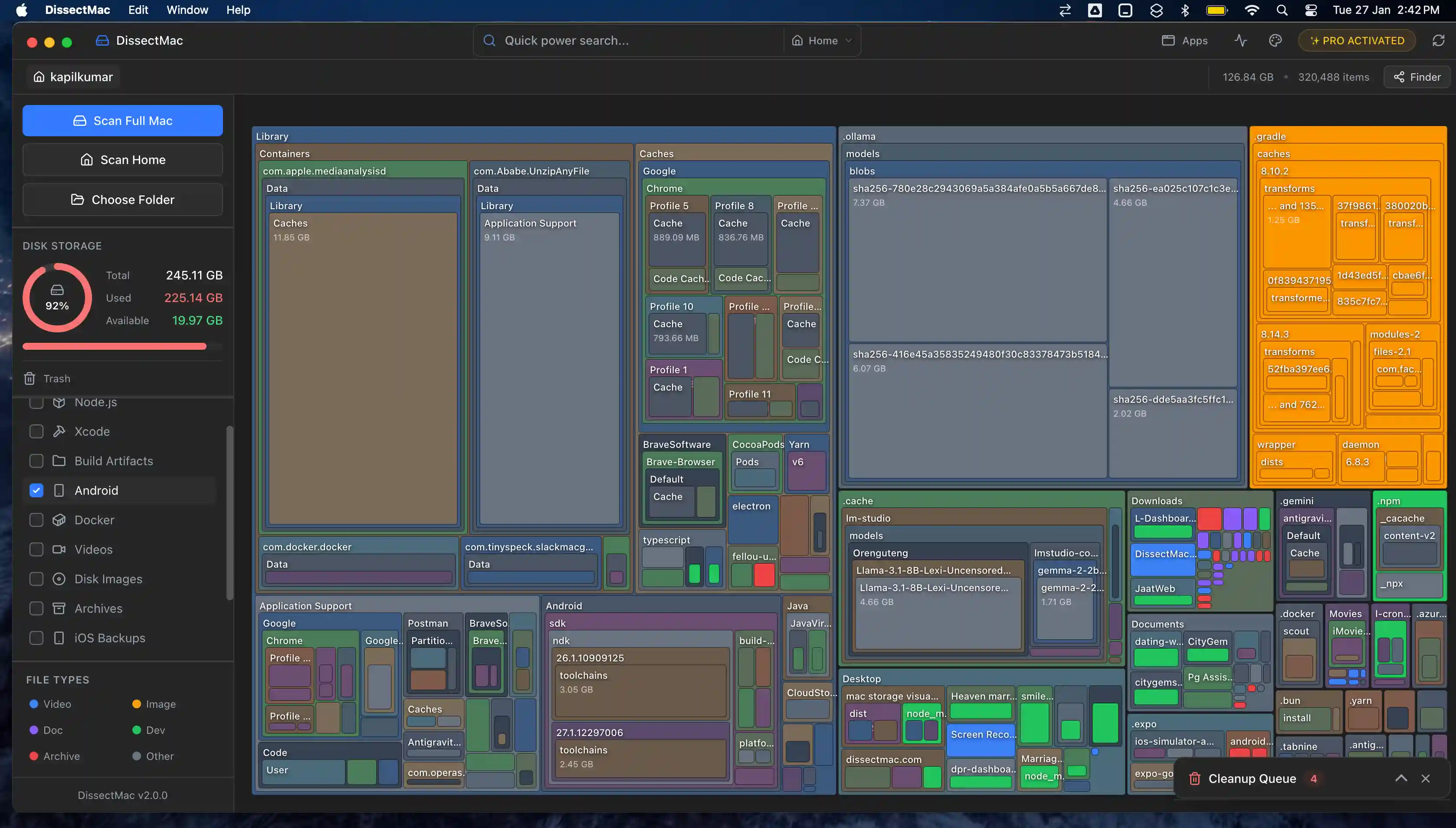
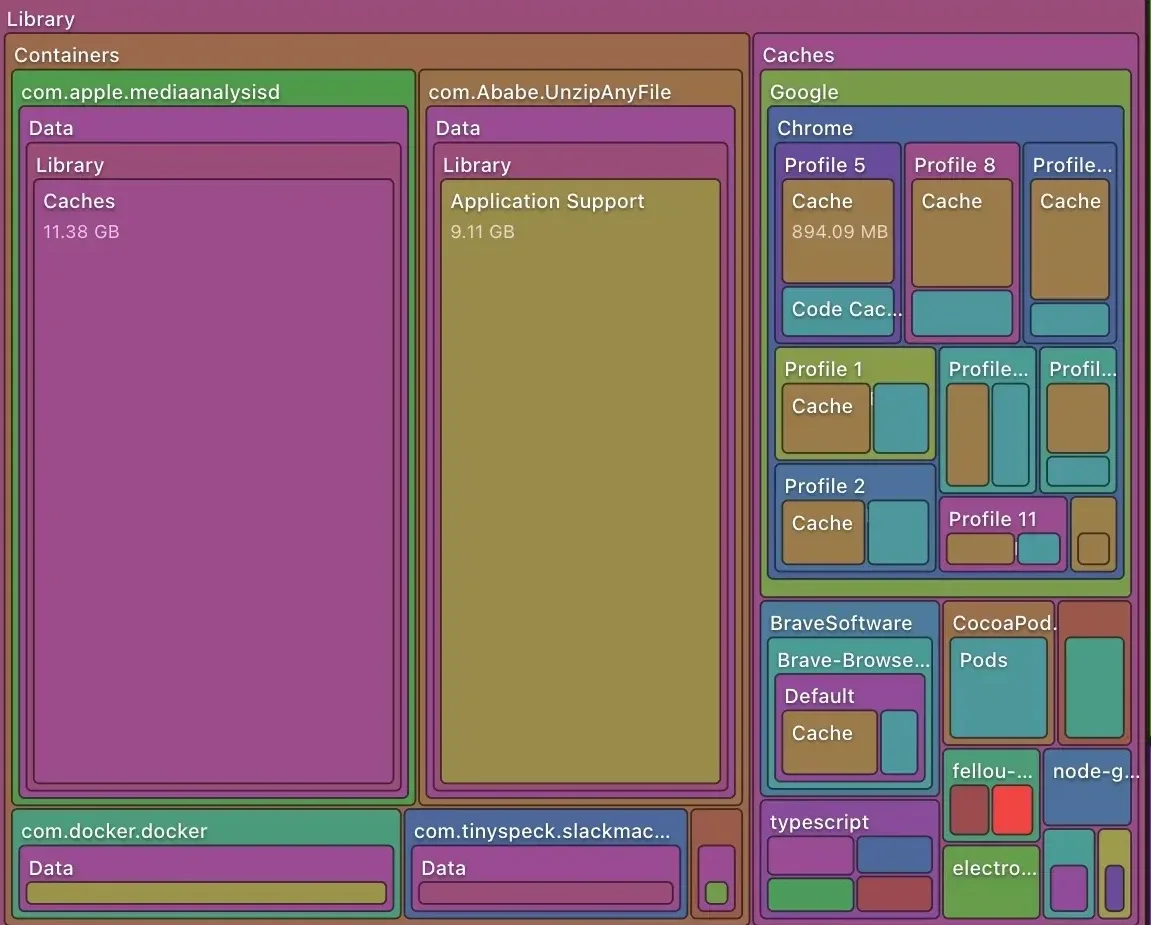
Docker stores images, containers, volumes and build cache inside the Docker.raw virtual disk at ~/Library/Containers/com.docker.docker/Data/vms/0/data/, not as separate files you can browse in Finder. That's why Docker's usage shows up as a single huge file on a storage map rather than as individual images.
More guides
Free up space
How to Free Up Space on Mac: 12 Fixes That Actually Work
12 ways to free up space on a Mac, starting with the ones that return the most. Includes the hidden folders and leftovers Apple's Storage screen never shows.
Free up space
node_modules Taking Up Space on Mac: How to Find and Delete Them All
Find every node_modules folder on your Mac with one command or npkill, delete the ones from abandoned projects, and clear the npm, Yarn and pnpm caches too.
Free up space
How to Delete Downloads on Mac (and Find the Ones You Forgot)
Delete downloads on a Mac from the Downloads folder, Dock or Storage settings, find downloads saved elsewhere, and why clearing the browser list frees nothing.
Free up space
How to Clear Cookies on a Mac: Safari, Chrome and Firefox
How to clear cookies on a Mac in Safari, Chrome and Firefox, for one site or all of them, what you'll be signed out of, and how to block third-party cookies.