Node_Modules Black Hole: Recursively Finding and Cleaning Projects
Math check: A typical fresh React project is ~300MB. A Next.js project is ~800MB. If you do one tutorial a week, or start one side project a month... after 2 years, that is 50GB of disk space occupied by code you haven't touched since 2024.
The problem with node_modules isn't the size of one folder—it's the quantity of them.
The Finder Fail
If you try to use macOS Finder to "Calculate all sizes" of your ~/Projects folder, you will be waiting a long time. node_modules folders contain tens of thousands of tiny files. Finder hates this. It chokes on the I/O.
The Terminal Solution: find and rm
To find the worst offenders, you can use the find command.
List all node_modules folders sorted by depth:
find . -name "node_modules" -type d -prune
This works, but it's just a list. It doesn't tell you effectively which ones are safe to delete or how old they are.
The Nuclear Option: recursive delete
Warning: Do not run this unless you are absolutely sure you want to nuke every dependency cache in the directory.
find . -name "node_modules" -type d -prune -exec rm -rf '{}' +
This will force you to run npm install on every project you open again.
The DissectMac Approach: "Developer Filters"
We added a specific "Developer Filter" to DissectMac because we faced this exact problem.
Instead of scanning your whole drive, DissectMac can highlight "Nested Folders".
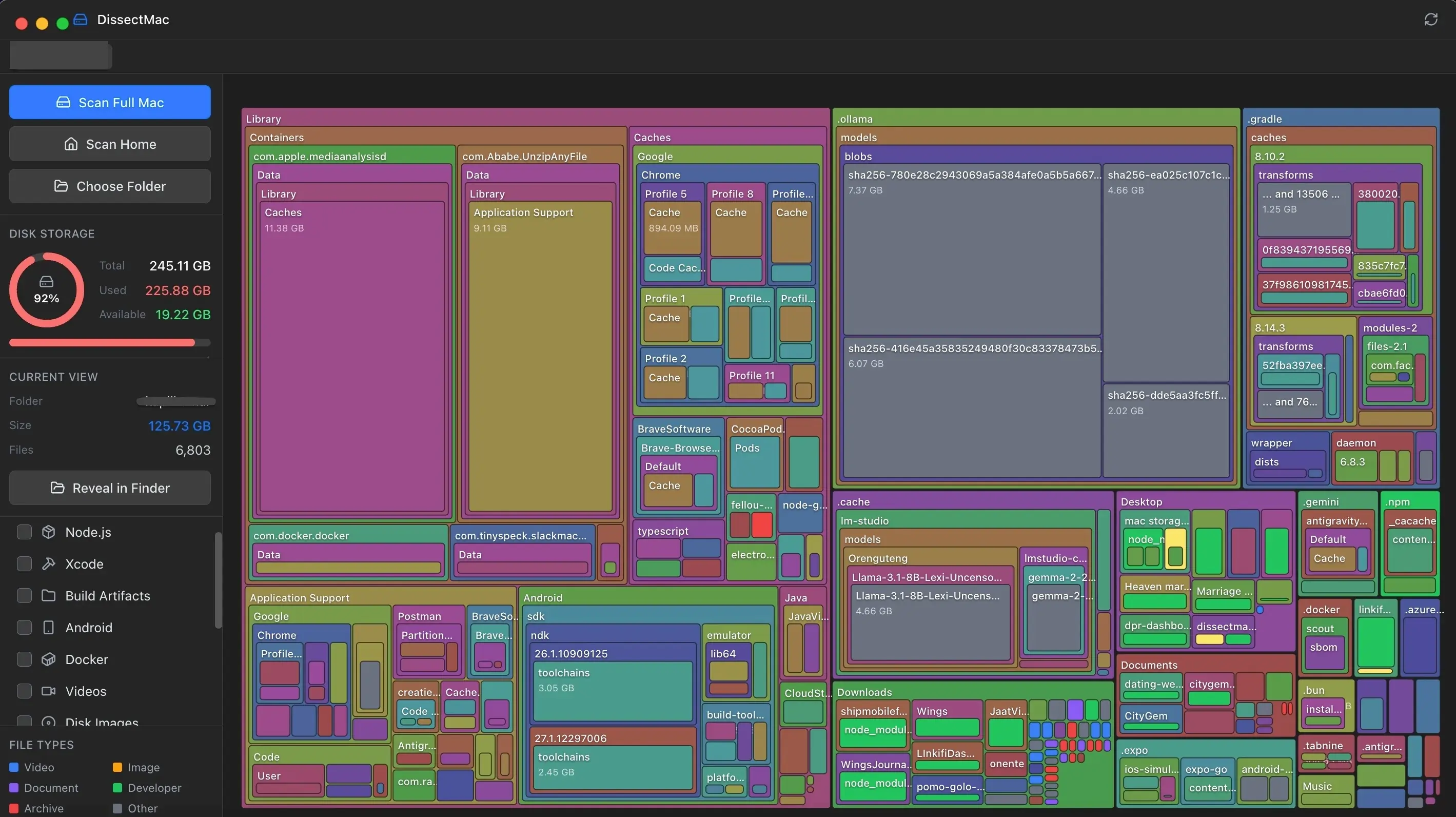
- Scan your
~/Projectsor~/devdirectory. - Type
node_modulesin the filter bar. - Instantly see specific
node_modulesfolders sizing up against each other. - Notice that
old-hackathon-projectis taking up 1.2GB? - Right-click -> Move to Trash.
You keep the code (src/, package.json), but you lose the 50,000 dependency files. It's the perfect balance for archiving old work.
Don't Forget ~/.npm
NPM keeps its own local cache of tarballs. This can also grow to 10GB+.
npm cache verify
or for a full clean:
npm cache clean --force
Keep your code, delete your dependencies.
Continue Reading
You Probably Have 50GB of node_modules You Forgot About
Every abandoned side project has a 500MB-1GB node_modules folder. Here's how to find and delete them without breaking your active work.
Docker.raw: Why is my Mac out of space when Docker is empty?
Deleting Docker images doesn't always free up Mac disk space. We explain the 'sparse file' problem with Docker.raw and how to actually reclaim that 60GB of phantom storage.
What is 'Other Volumes in Container'? (And Why It's So Large)
Confused by 'Other Volumes in Container' in Disk Utility? It's not a bug—it's APFS. Learn what it means and 3 ways to reclaim space →