On this page
- Before you uninstall Parallels
- How to uninstall Parallels Desktop on Mac
- Delete your Parallels virtual machines
- Remove the files Parallels leaves behind
- Uninstall Parallels with DissectMac
- Does uninstalling Parallels delete Windows?
- Do I need to uninstall Parallels before upgrading?
- Does uninstalling Parallels cancel my subscription?
- How do I move Parallels to a new Mac?
To uninstall Parallels on a Mac, shut down your virtual machines, quit Parallels Desktop, drag it from the Applications folder to the Trash and empty the Trash. Parallels doesn't need a separate uninstaller. That removes the app only: your virtual machines (the .pvm files that hold Windows or Linux, plus everything you installed and saved inside them) stay on your Mac, and they're usually the largest part of a Parallels install.
Most apps leave files behind however you remove them; our guide to uninstalling apps on Mac explains why.
Before you uninstall Parallels
- Copy out anything you need from Windows. Documents saved inside a virtual machine live in its
.pvmfile, not in your Mac folders. Start the VM and copy them to the Mac or to cloud storage while you still can. - Cancel your subscription. Uninstalling doesn't stop billing. If you bought from Parallels, sign in at my.parallels.com, click Active subscriptions under Parallels Desktop, open the subscription and click Manage Subscription, then Cancel subscription. Back on the subscription page, Turn On Auto Renewal means renewal is now off. If you bought the App Store edition, open the App Store, click your name, choose Account Settings, go to Subscriptions and click Manage, then Edit and Cancel Subscription.
- Business Edition: deactivate the license first. Parallels says to free the activation before you delete the app, with the Mac online. Quit Parallels Desktop, open Terminal and run the command below (or deactivate the Mac from the Licensing Portal if your admin uses it).
prlsrvctl deactivate-license
Standard and Pro editions don't have this step. When you activate Parallels on another Mac and see that the license is already in use, click Activate on This Mac and Parallels deactivates the old one automatically.
How to uninstall Parallels Desktop on Mac
These are Parallels' own steps for the Standard, Pro and Business editions:
- Shut down every virtual machine and quit Parallels Desktop.
- Open the Applications folder and drag Parallels Desktop to the Trash.
- Empty the Trash.
For the App Store edition, open Applications in Finder, right-click Parallels Desktop for Mac App Store Edition and choose Move to Trash.
If some files still open in Parallels afterward, select one, choose File > Get Info, pick another app under Open with and click Change All.
Delete your Parallels virtual machines
Uninstalling Parallels doesn't delete any virtual machine. If you're not keeping Windows, the VMs are what free up the space. The easiest way is to remove them in Parallels before you delete the app:
- Open Parallels Desktop but don't start the VM.
- Click the Parallels icon in the menu bar and choose Control Center.
- Right-click the VM and choose Remove "VM name".
- Choose Move to Trash to delete it, or Keep Files to take it out of the list and leave the files where they are.
Parallels warns that Move to Trash can't be undone, so be sure you've copied out what you need first.
Already deleted the app? Find the .pvm files in Finder and drag them to the Trash. Parallels stores them here by default:
~/Parallels(the Parallels folder in your home folder)/Users/Shared/Parallels- App Store edition:
~/Library/Group Containers/4C6364ACXT.com.parallels.desktop.appstore/Shared/Parallels
If you saved a VM somewhere else, search Finder for .pvm or the VM's name. Any VM you downloaded from the Free Systems list may be in Downloads.
Remove the files Parallels leaves behind
The app also writes settings, caches and command-line tools outside the Applications folder. Open each with Go > Go to Folder and delete the Parallels items you find:
| Location | What's there |
|---|---|
~/Library/Preferences |
Settings files whose names start with com.parallels, and a Parallels folder |
~/Library/Caches/Parallels Software |
Cached data |
~/Library/Caches/com.parallels.desktop.console |
More cached data |
~/Library/Containers |
Folders whose names start with com.parallels.desktop |
~/Library/Parallels |
Downloads and app menus Parallels created |
~/Applications (Parallels) |
Shortcuts to Windows apps that appeared in your Dock and Launchpad |
/Library/Preferences/Parallels |
Settings for all users. macOS asks for your password |
/usr/local/bin |
Command-line tools whose names start with prl, such as prlctl and prlsrvctl |
Don't delete the App Store edition's folder in ~/Library/Group Containers until you've dealt with the VMs inside it.
Uninstall Parallels with DissectMac
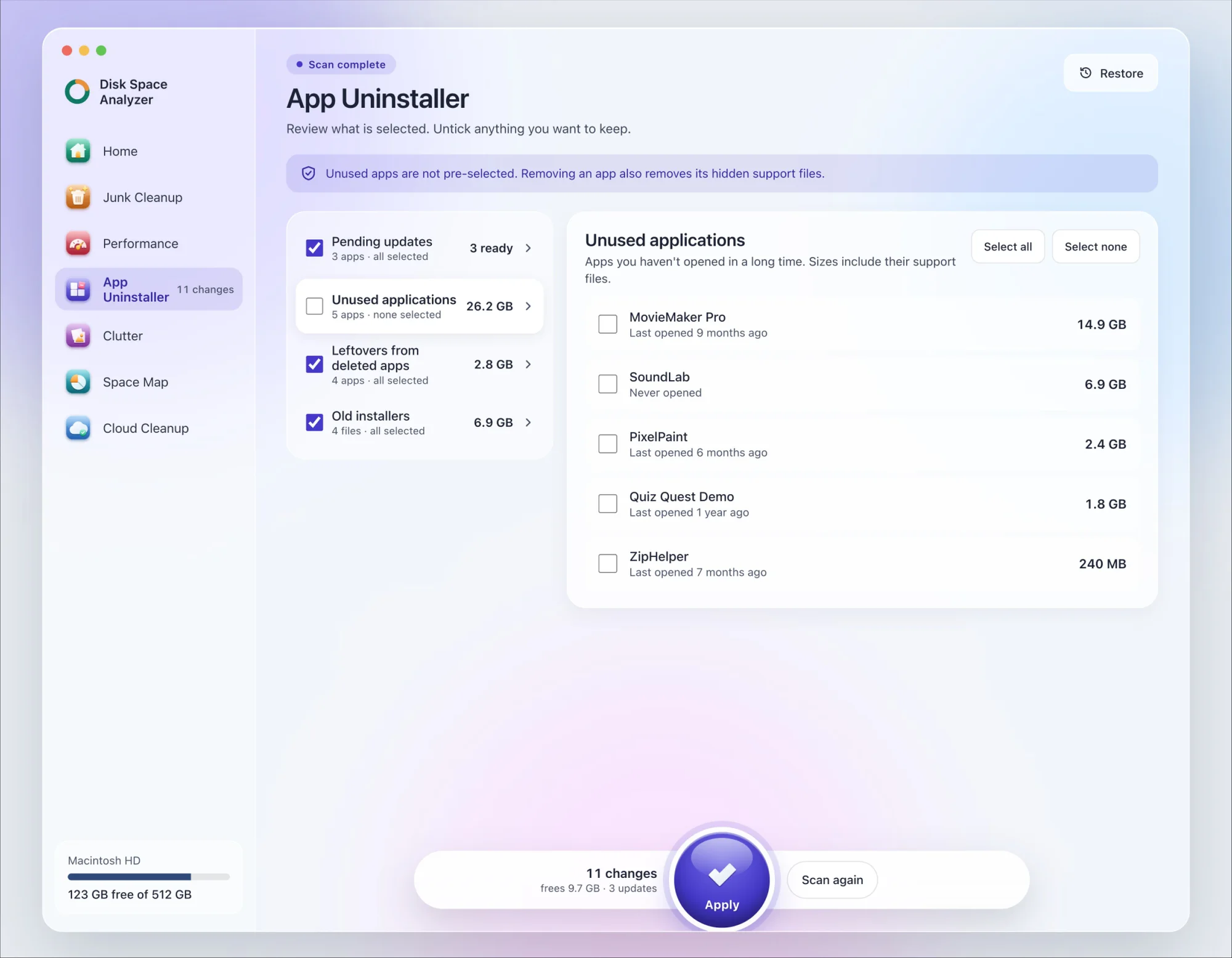
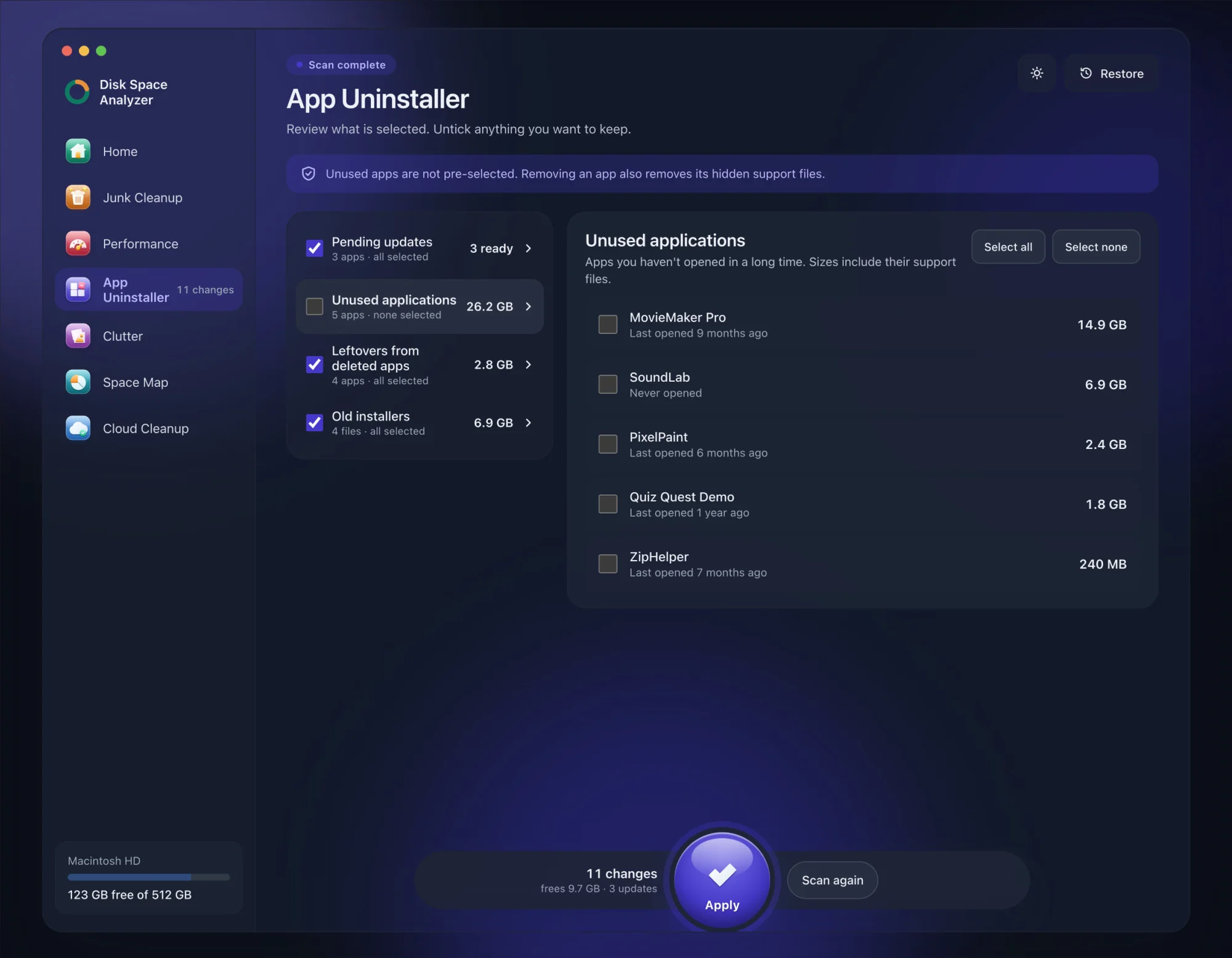
We make DissectMac, so this is our tool. App Uninstaller does the Library search for you, so you don't have to visit each folder above.
- Open DissectMac, go to App Uninstaller and press Scan.
- If Parallels Desktop appears in the list of applications, tick it.
- Press Apply. Parallels goes together with its hidden support files. With the App Store edition, your VMs sit in its support folder and may go with it, so copy out your Windows files and move or back up any VM you want to keep first.
Your virtual machines in ~/Parallels or /Users/Shared/Parallels aren't part of the app. Delete those with the steps above. Already dragged Parallels to the Trash? Its files show up in the Leftovers from deleted apps group instead. The scan is free; removing from inside the app is part of Pro, $19.99 once, and anything removed is kept for 30 days, so Restore brings it back.
Does uninstalling Parallels delete Windows?
No. Windows lives in the virtual machine's .pvm file, which stays on your Mac after you delete the app. Parallels says uninstalling doesn't affect your virtual machine or the files and apps inside it. To remove Windows, delete the VM as described above.
Do I need to uninstall Parallels before upgrading?
No. Installing a newer version of Parallels Desktop replaces the old one automatically, and your VMs carry over.
Does uninstalling Parallels cancel my subscription?
No. Cancel it from your account at my.parallels.com, or from App Store subscriptions if you bought it there. Deleting the app doesn't touch billing.
How do I move Parallels to a new Mac?
Install Parallels on the new Mac, sign in and activate. When it says the license is in use, click Activate on This Mac and the old Mac is deactivated. Copy your .pvm files across if you want to keep your VMs. Business Edition licenses are moved through the Licensing Portal instead.
More guides
Uninstall
How to Uninstall Apps on Mac Completely (Leftovers Included)
How to uninstall apps on a Mac properly: Finder, Launchpad, official uninstallers, apps that won't delete, and the ~/Library leftovers most guides skip.
Uninstall
How to Uninstall Zoom on Mac
Uninstall Zoom on Mac from Zoom's own menu: Zoom Workplace > Uninstall Zoom Workplace. Then clear the Keychain entries and Library files it leaves.
Uninstall
How to Uninstall Xcode on Mac
Uninstall Xcode on Mac completely: remove simulator runtimes first, delete Xcode.app, then clear DerivedData, Archives and device support in ~/Library/Developer.
Uninstall
How to Uninstall Steam on Mac (and Its Games)
How to uninstall Steam on Mac: remove games inside Steam, quit it, drag it to the Trash, then clear the Steam folder in ~/Library where your games live.