On this page
- Before you uninstall Acrobat
- How to uninstall Adobe Acrobat on Mac
- Uninstall Acrobat from Creative Cloud
- How to uninstall Acrobat Reader on Mac
- If the uninstall fails: Acrobat Cleaner Tool
- Remove the files Acrobat leaves behind
- Uninstall Acrobat with DissectMac
- Can I drag Adobe Acrobat to the Trash?
- Does uninstalling Acrobat cancel my subscription?
- Will uninstalling Acrobat delete my PDFs?
- Why can't I find Acrobat Uninstaller?
To uninstall Adobe Acrobat on a Mac, open Applications > Adobe Acrobat in Finder, double-click Acrobat Uninstaller and confirm. If you installed Acrobat through Creative Cloud, uninstall it from the Creative Cloud desktop app instead. The free Acrobat Reader has no uninstaller on Mac: Adobe says to move it to the Trash and restart.
Neither method removes everything; our guide to uninstalling apps on Mac explains why apps leave files behind.
Before you uninstall Acrobat
- Cancel your subscription separately. Uninstalling Acrobat Pro or Standard doesn't stop billing. Sign in at account.adobe.com, open Plans and choose Manage plan. On an annual plan paid monthly, Adobe may charge a cancellation fee, so check the amount it shows before you confirm.
- Check your PDFs are saved locally. Files you stored in Adobe cloud storage stay in your Adobe account. PDFs saved on your Mac aren't touched by any of the steps below.
- Know which Acrobat you have. Acrobat Pro and Standard install into a folder in Applications called Adobe Acrobat (Adobe Acrobat DC in some versions) that holds the uninstaller. If Acrobat came with a Creative Cloud plan, Adobe's usual route is the Creative Cloud app. Reader is a single app called Adobe Acrobat Reader.
How to uninstall Adobe Acrobat on Mac
These are Adobe's steps for Acrobat Pro and Standard:
- Quit Acrobat.
- In Finder, go to Applications > Adobe Acrobat (or Adobe Acrobat DC).
- Double-click Acrobat Uninstaller.
- Select Adobe Acrobat, then select Open.
- Select Uninstall in the confirmation dialog.
- Enter your administrator password if asked.
- Restart your Mac when the uninstall finishes.
The uninstaller removes Acrobat itself. Acrobat Reader is a separate app, and some settings and files shared with other Adobe apps stay in your Library folder. The table below covers those.
Uninstall Acrobat from Creative Cloud
If Acrobat came with your Creative Cloud plan, remove it the way you'd remove any Creative Cloud app:
- Open the Creative Cloud desktop app.
- Go to your list of installed apps.
- Next to Acrobat, select the More actions icon (three dots) and choose Uninstall.
- Choose whether to keep or remove its preferences. Remove them if you're not coming back.
If you're getting rid of all your Adobe software, follow our guide to uninstalling Creative Cloud on Mac once Acrobat is gone.
How to uninstall Acrobat Reader on Mac
Adobe doesn't ship an uninstaller for Reader on Mac. Its steps are:
- Quit Reader.
- In Finder, go to Applications.
- Right-click Adobe Acrobat Reader and choose Move to Trash.
- Empty the Trash and restart your Mac.
If the uninstall fails: Acrobat Cleaner Tool
When the uninstaller fails or leaves a broken install that won't reinstall, Adobe's fix is the Acrobat Cleaner Tool. Adobe says it isn't an uninstaller: run the normal uninstall first and use the Cleaner only if that went wrong. It's for Acrobat and Reader installed on their own, not Acrobat delivered through Creative Cloud.
- Download the macOS version from Adobe's Acrobat Cleaner Tool page and double-click AdobeAcroCleanerTool.dmg.
- Open AcroCleanerTool.app, confirm you want to continue and click Next.
- Accept the license agreement and click Next.
- Choose the product to remove (Acrobat or Reader) and click Next.
- Check the list of items to remove, then click Clean and OK to confirm.
- Enter your administrator password. When it finishes, click OK, then Quit.
Back up any Acrobat settings you want first. Adobe warns the tool removes Acrobat data permanently.
Remove the files Acrobat leaves behind
Open each location with Go > Go to Folder and delete the Acrobat items you find:
| Location | What's there |
|---|---|
~/Library/Application Support/Adobe/Acrobat |
Your Acrobat user data and settings |
~/Library/Preferences/Adobe/Acrobat |
More Acrobat settings |
~/Library/Preferences |
Settings files named com.adobe.Acrobat.Pro.plist (Acrobat) or com.adobe.Reader.plist (Reader) |
~/Library/Caches |
The Acrobat folder and folders named com.adobe.Acrobat.Pro or com.adobe.Reader |
~/Library/Saved Application State |
com.adobe.Acrobat.Pro.savedState or com.adobe.Reader.savedState |
/Library/LaunchDaemons and /Library/LaunchAgents |
Adobe updater files whose names start with com.adobe. Leave them if you use other Adobe apps. macOS asks for your password |
Acrobat and Reader share the ~/Library/Application Support/Adobe/Acrobat folder, and other Adobe apps share the wider Adobe folders and the updater. If you still use Reader, Photoshop or any other Adobe software on this Mac, leave those alone.
Uninstall Acrobat with DissectMac
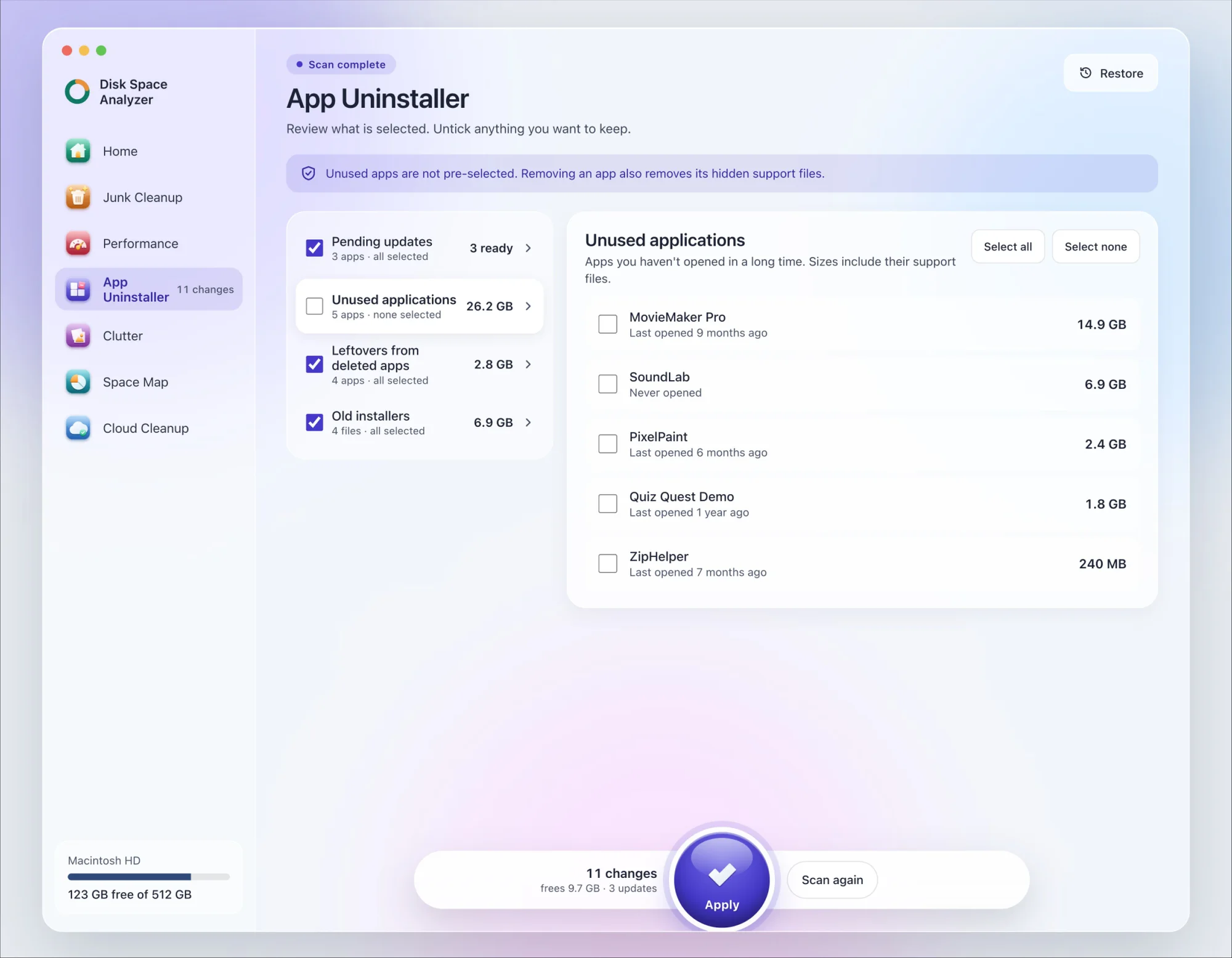
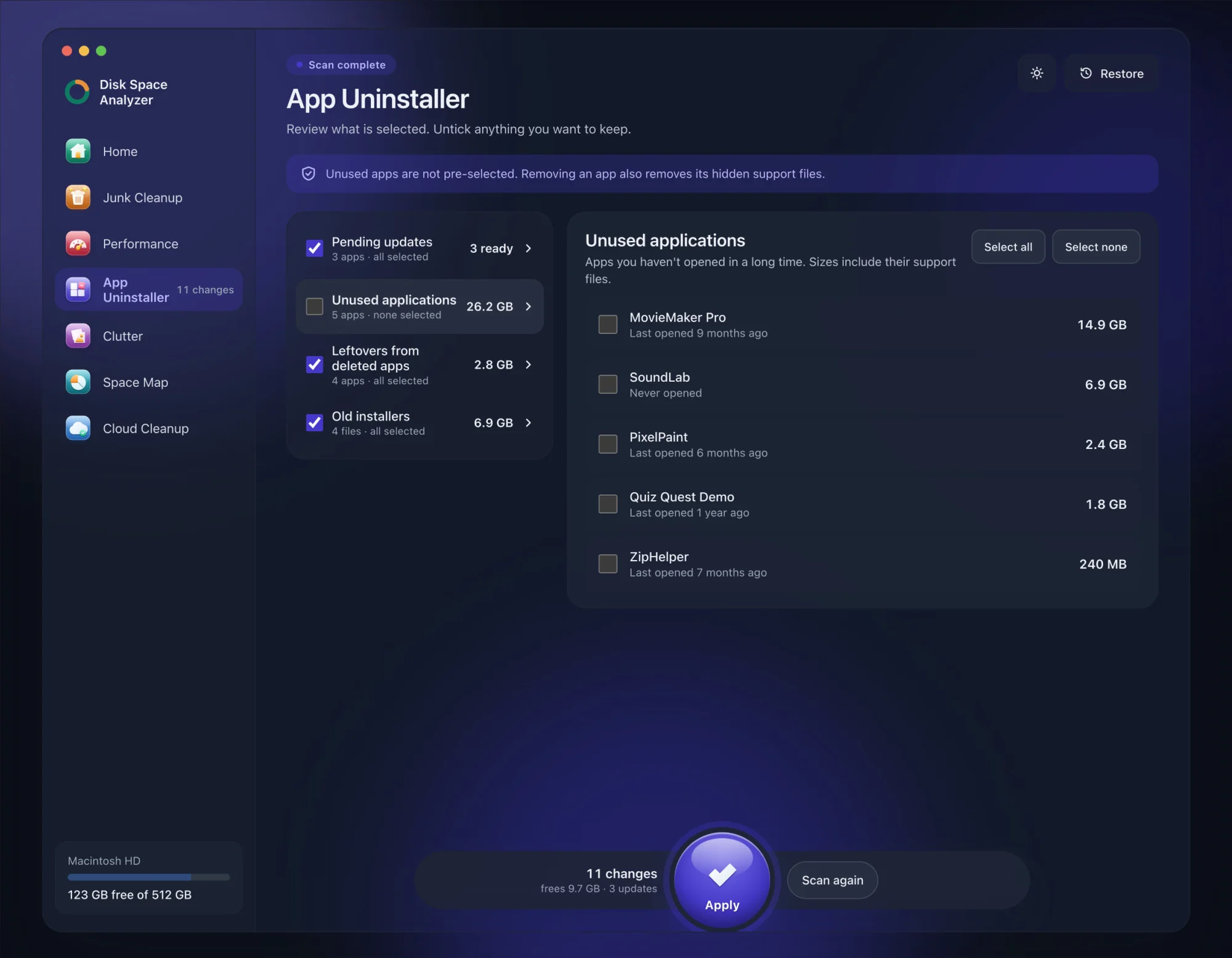
We make DissectMac, so this is our tool. App Uninstaller does the Library search for you, so you don't have to visit each folder above.
- Open DissectMac, go to App Uninstaller and press Scan.
- Find Adobe Acrobat or Adobe Acrobat Reader in the list of applications and tick it.
- Press Apply. Acrobat goes together with its hidden support files, so cancel your plan first and keep Reader's or Creative Cloud's shared folders if you still use them.
Already removed Acrobat with Adobe's uninstaller? Its files show up in the Leftovers from deleted apps group instead. The scan is free; removing from inside the app is part of Pro, $19.99 once, and anything removed is kept for 30 days, so Restore brings it back.
Can I drag Adobe Acrobat to the Trash?
For Reader, yes: that's Adobe's own method on Mac. For Acrobat Pro or Standard, use Acrobat Uninstaller in the Adobe Acrobat folder, or Creative Cloud if that's where you installed it. Dragging the paid app to the Trash skips the uninstaller's cleanup.
Does uninstalling Acrobat cancel my subscription?
No. Your plan keeps billing until you cancel it at account.adobe.com under Plans. Uninstalling only removes the software from this Mac.
Will uninstalling Acrobat delete my PDFs?
No. PDFs you saved in Documents, Desktop or anywhere else on your Mac stay where they are, and files in Adobe cloud storage stay in your account. After uninstalling, PDFs open in Preview, the PDF viewer built into macOS.
Why can't I find Acrobat Uninstaller?
It's inside the Acrobat folder in Applications, named Adobe Acrobat or Adobe Acrobat DC depending on the version, not in the main Applications list. Reader has none, and Creative Cloud installs can be removed from the Creative Cloud app instead. If the folder is there but the uninstaller is missing or fails, use the Acrobat Cleaner Tool.
More guides
Uninstall
How to Uninstall Apps on Mac Completely (Leftovers Included)
How to uninstall apps on a Mac properly: Finder, Launchpad, official uninstallers, apps that won't delete, and the ~/Library leftovers most guides skip.
Uninstall
How to Uninstall Zoom on Mac
Uninstall Zoom on Mac from Zoom's own menu: Zoom Workplace > Uninstall Zoom Workplace. Then clear the Keychain entries and Library files it leaves.
Uninstall
How to Uninstall Xcode on Mac
Uninstall Xcode on Mac completely: remove simulator runtimes first, delete Xcode.app, then clear DerivedData, Archives and device support in ~/Library/Developer.
Uninstall
How to Uninstall Steam on Mac (and Its Games)
How to uninstall Steam on Mac: remove games inside Steam, quit it, drag it to the Trash, then clear the Steam folder in ~/Library where your games live.