On this page
- Before you uninstall Anaconda
- Find where Anaconda is installed
- How to uninstall Anaconda on Mac
- Uninstall an older Anaconda without uninstall.sh
- Uninstall Miniconda on Mac
- Remove the files Anaconda leaves behind
- Uninstall Anaconda with DissectMac
- Do I still need anaconda-clean?
- Why does (base) still appear in Terminal?
- Will uninstalling Anaconda remove Python from my Mac?
- Can I delete the anaconda3 folder without the uninstaller?
To uninstall Anaconda on a Mac, run conda deactivate, then run the uninstall.sh script inside your Anaconda folder, for example ~/anaconda3/uninstall.sh. Installs older than Anaconda Distribution 2025.06 don't have that script, so you reverse conda init and delete the anaconda3 folder yourself. Both methods are below, along with the config files conda leaves in your home folder.
Anaconda isn't a drag-to-Trash app, which is why it needs its own steps. Our guide to uninstalling apps on Mac covers ordinary apps.
Before you uninstall Anaconda
-
Export the environments you want to rebuild later. For each one, run:
conda env export --name myenv > myenv.yamlYou can recreate it from that file after you reinstall Anaconda or Miniconda.
-
Remove environments stored outside the Anaconda folder. Run
conda info --envsto list them. Anaconda's docs say to delete any outside the Anaconda folder before you uninstall, withconda remove --prefix /path/to/env --all. -
Delete environments with conda-pypi packages. Activate each environment and run
conda list. If the Channel column showsconda-pypi, Anaconda's docs say to remove that environment withconda remove --name myenv --allbefore uninstalling.
Find where Anaconda is installed
Run:
conda info --base
A default install goes to ~/anaconda3. The macOS .pkg installer can also put it in a system folder such as /opt/anaconda3. Check that folder for a file called uninstall.sh; if it's there, use the next section. If not, skip to the manual method.
How to uninstall Anaconda on Mac
These are Anaconda's own steps for Anaconda Distribution 2025.06 and later.
Basic uninstall (install in your home folder):
conda deactivate
~/anaconda3/uninstall.sh
System install (in /opt or another system folder):
conda deactivate
sudo -E /opt/anaconda3/uninstall.sh
Full uninstall, which also removes caches, your conda config files and user data:
conda deactivate
~/anaconda3/uninstall.sh --remove-caches --remove-config-files user --remove-user-data
Use sudo -E /opt/anaconda3/uninstall.sh with the same options for a system install. Anaconda advises against these extra options if you have more than one conda installation, such as Anaconda and Miniconda side by side, because they share the config files and caches.
Close Terminal and open a new window. If (base) no longer appears in the prompt, Anaconda is gone.
Uninstall an older Anaconda without uninstall.sh
For installs from before Anaconda Distribution 2025.06, Anaconda's manual steps are:
-
Remove conda's setup from your shell profiles:
conda activate conda init --reverse --all -
Delete the Anaconda folder. This is permanent, so check the path from
conda info --basefirst and run only the line that matches it:rm -rf ~/anaconda3 sudo rm -rf /opt/anaconda3 -
Optionally remove conda's config and data. Keep
~/.condarcif you plan to reinstall and want your settings back:rm -rf ~/.condarc ~/.conda ~/.continuum
Then open a new Terminal window and check that (base) is gone.
Uninstall Miniconda on Mac
Miniconda uses the same steps with miniconda3 in place of anaconda3. Miniconda 24.11.1 and later include uninstall.sh:
conda deactivate
~/miniconda3/uninstall.sh
For a system install, run sudo -E /opt/miniconda3/uninstall.sh. Older Miniconda versions need the manual method above, deleting ~/miniconda3 instead of ~/anaconda3.
Remove the files Anaconda leaves behind
The basic uninstall leaves some files in place, and Anaconda's docs note that shortcuts and other extra files may remain. Check these:
| Location | What's there |
|---|---|
~/.condarc |
Your conda settings, such as channels |
~/.conda |
conda's user data |
~/.continuum |
Older Anaconda user data |
~/.zshrc, ~/.bash_profile |
The block between # >>> conda initialize >>> and # <<< conda initialize <<< |
Environments outside anaconda3 |
Any you didn't remove before uninstalling |
If (base) still shows in a new Terminal window, open ~/.zshrc in a text editor and delete the conda initialize block, then open a new window. If a file outside the install folder was a link, the uninstaller may only remove the link, so delete what it pointed to as well.
Uninstall Anaconda with DissectMac
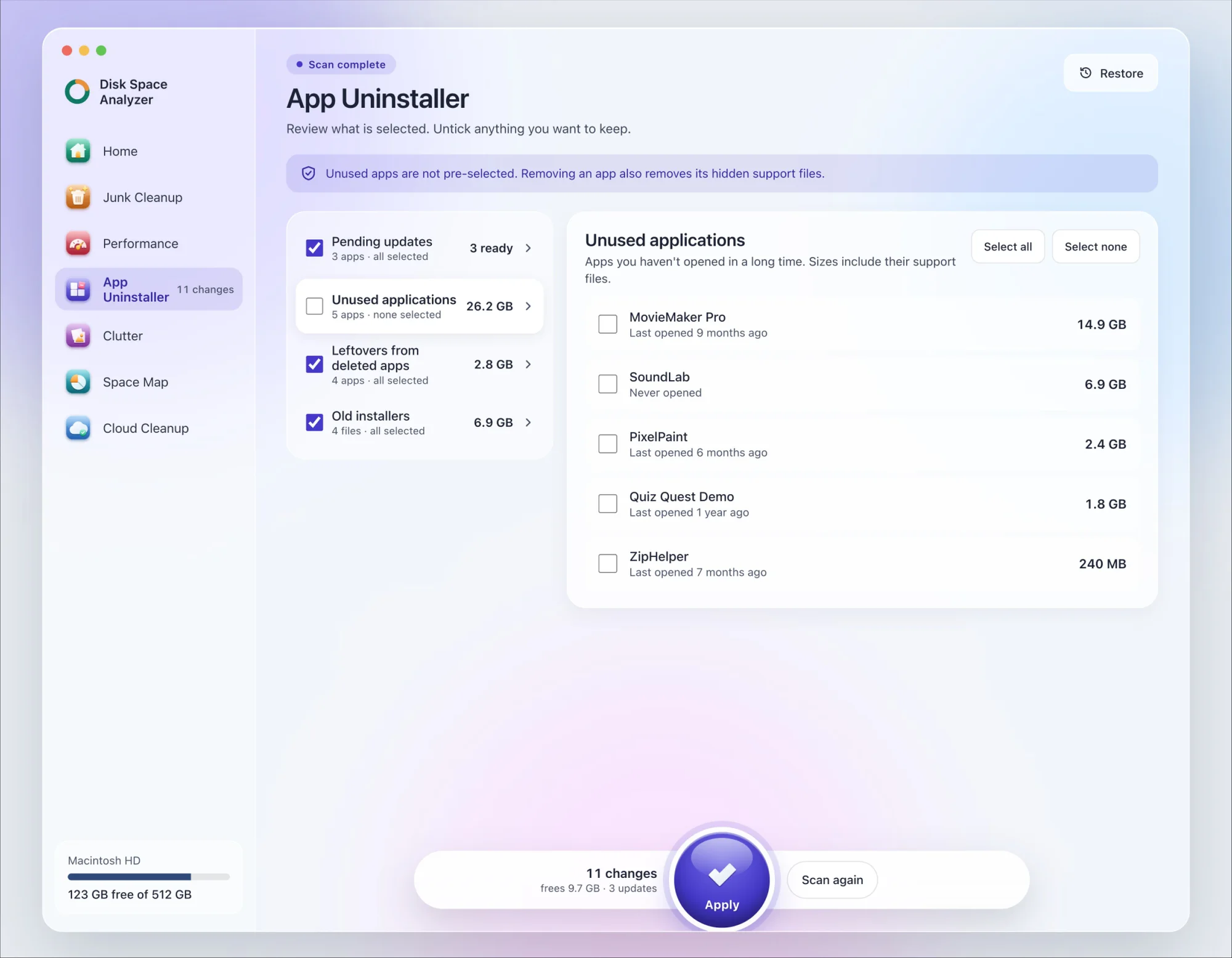
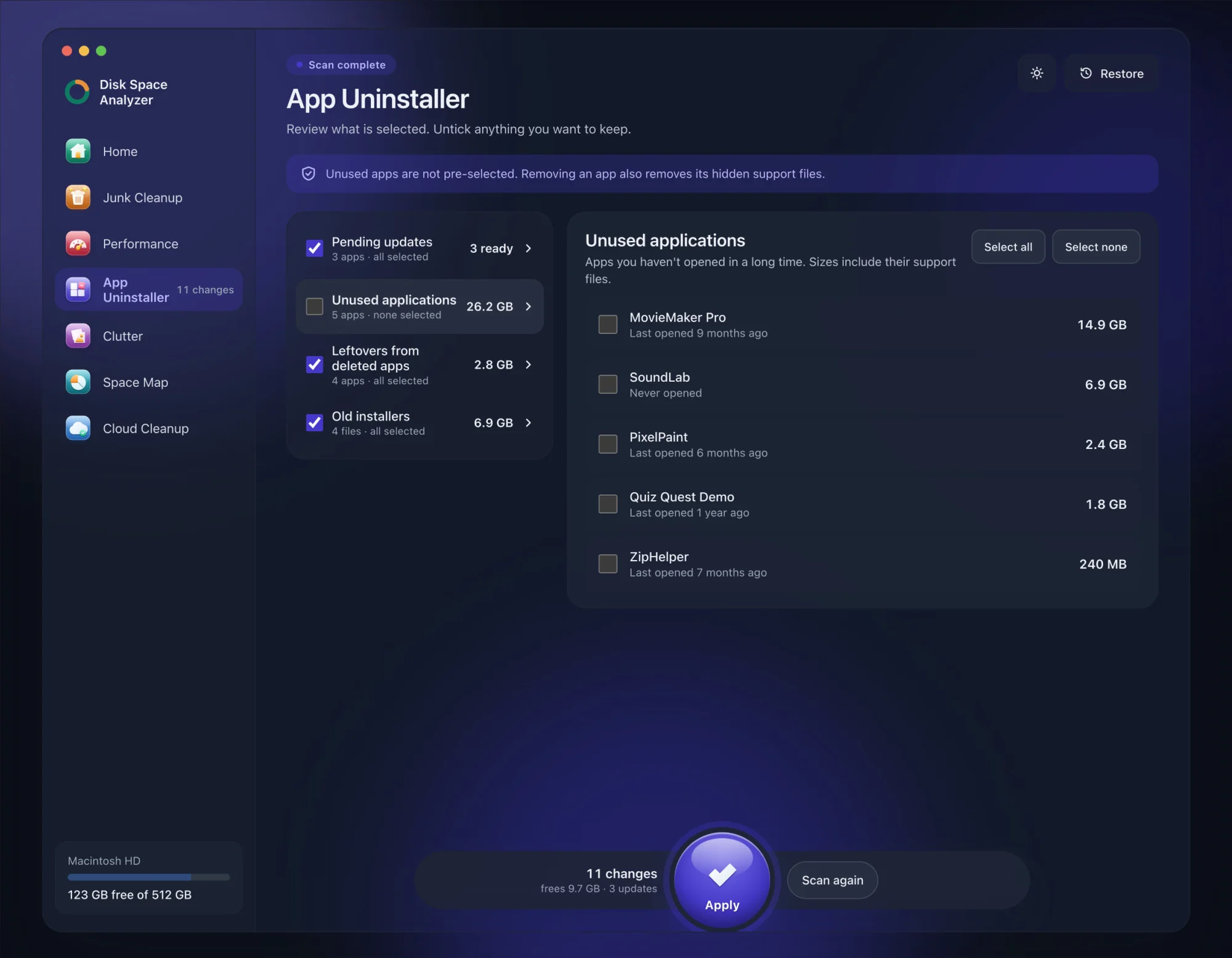
We make DissectMac, so this is our tool. App Uninstaller does the Library search for you, so you don't have to visit each folder above.
- Open DissectMac, go to App Uninstaller and press Scan.
- If Anaconda Navigator appears in the list of applications, tick it.
- Press Apply. Apps go together with their hidden support files. Conda itself (the
anaconda3folder and your environments) isn't an app, so remove it withuninstall.shor the manual steps above, after exporting any environments you want to keep.
Already removed Anaconda? Its files show up in the Leftovers from deleted apps group instead. The scan is free; removing from inside the app is part of Pro, $19.99 once, and anything removed is kept for 30 days, so Restore brings it back.
Do I still need anaconda-clean?
No. Older guides tell you to install and run anaconda-clean before deleting the folder. Anaconda's current instructions use the --remove-caches, --remove-config-files and --remove-user-data options of uninstall.sh instead, or the rm -rf ~/.condarc ~/.conda ~/.continuum step for manual uninstalls.
Why does (base) still appear in Terminal?
Because the conda initialize block is still in your shell profile. Run conda init --reverse --all before deleting the folder, or, if conda is already gone, delete the block from ~/.zshrc or ~/.bash_profile by hand and open a new Terminal window.
Will uninstalling Anaconda remove Python from my Mac?
It removes the Python inside Anaconda and every package and environment in the anaconda3 folder. Python you installed separately, and Apple's /usr/bin/python3, stay. To remove those too, see how to uninstall Python on Mac.
Can I delete the anaconda3 folder without the uninstaller?
On older installs, that's Anaconda's manual method, but run conda init --reverse --all first. Otherwise the conda initialize block stays in your shell profile, pointing at a folder that no longer exists, and you have to remove it by hand.
More guides
Uninstall
How to Uninstall Apps on Mac Completely (Leftovers Included)
How to uninstall apps on a Mac properly: Finder, Launchpad, official uninstallers, apps that won't delete, and the ~/Library leftovers most guides skip.
Uninstall
How to Uninstall Zoom on Mac
Uninstall Zoom on Mac from Zoom's own menu: Zoom Workplace > Uninstall Zoom Workplace. Then clear the Keychain entries and Library files it leaves.
Uninstall
How to Uninstall Xcode on Mac
Uninstall Xcode on Mac completely: remove simulator runtimes first, delete Xcode.app, then clear DerivedData, Archives and device support in ~/Library/Developer.
Uninstall
How to Uninstall Steam on Mac (and Its Games)
How to uninstall Steam on Mac: remove games inside Steam, quit it, drag it to the Trash, then clear the Steam folder in ~/Library where your games live.