On this page
- Is CleanMyMac legit or a scam?
- What are the real risks?
- Does CleanMyMac have malware protection?
- How much does CleanMyMac cost?
- What's good about CleanMyMac
- What's not so good
- Do you need CleanMyMac at all?
- CleanMyMac alternatives
- Is CleanMyMac approved by Apple?
- Can CleanMyMac delete important files?
- How do I uninstall CleanMyMac?
- The verdict
Yes, CleanMyMac is safe. It's made by MacPaw, an established Mac developer founded in Kyiv, Ukraine, it's sold on Apple's Mac App Store, and it isn't malware. The real risks are smaller and more ordinary: deleting something you needed with a one-click clean, downloading a fake copy from the wrong website, and paying a yearly subscription for jobs macOS partly does already.
We make DissectMac, which competes with CleanMyMac, so we have a reason to be harsh. We've tried not to be. Prices and versions below come from MacPaw's store and Apple's App Store listing, checked on 12 November 2026.
Is CleanMyMac legit or a scam?
It's legit. MacPaw has made CleanMyMac since 2008, and the current app is listed on the Mac App Store, which means Apple reviewed it before allowing it in. The direct download from macpaw.com is the same app with a different way to pay.
A lot of the "is it a scam" worry comes from two things that aren't CleanMyMac:
- MacKeeper. A different cleaner with a long history of aggressive pop-up advertising and a class-action settlement in 2015. People often mix the two up.
- Fake installers. In 2024, malware was spread through fake download pages imitating CleanMyMac. The real app only comes from macpaw.com, cleanmymac.com, the Mac App Store or Setapp. If you found it anywhere else, delete it.
What are the real risks?
Deleting files you wanted. CleanMyMac's Smart Care runs several cleanups from one button. It's conservative about what it pre-selects, but "conservative" isn't "nothing you care about". Browser history, cached downloads in Mail and Messages attachments are all things a cleaner can treat as junk. Open the details before you click Clean and untick anything you're unsure of.
Antivirus flags. Some antivirus products, including ESET and AVG, have classed CleanMyMac X as a "potentially unwanted application". That label is about how software is marketed (for example, scans that make a Mac sound in worse shape than it is), not a malware finding. If your antivirus blocks it, that's the reason.
Full Disk Access. To clean system folders, CleanMyMac asks for Full Disk Access in System Settings > Privacy & Security. Every Mac cleaner needs this, ours included. It's a lot of trust to give an app, which is another reason to only install it from MacPaw or Apple.
Overlap with macOS. macOS already clears many caches when space runs low, and a lot of what a cleaner deletes rebuilds itself. That doesn't make CleanMyMac unsafe, but it means some of what it "frees" comes back.
Does CleanMyMac have malware protection?
Yes. Its malware scan uses the Moonlock Engine from MacPaw's own security team, set up in 2023. It's a reasonable second opinion, but it isn't a full antivirus suite, and macOS's own XProtect and Gatekeeper already block known Mac malware. Don't buy CleanMyMac for the malware scan alone.
How much does CleanMyMac cost?
CleanMyMac is sold mainly as a subscription:
| Plan | Price (US) |
|---|---|
| 1 Mac, yearly | About $40 a year ($39.95 at MacPaw, $39.99 on the App Store) |
| 1 Mac, monthly | $9.95 a month at MacPaw |
| 2 or 5 Macs | Yearly plans at a lower price per Mac |
| One-time licence | Offered, at a higher price, and doesn't include major upgrades |
| Setapp | Included in a Setapp subscription with other apps |
There's a 7-day free trial, and MacPaw offers a 30-day money-back guarantee on store purchases. Prices change with promotions and region, so check before you buy.
Over five years, a single-Mac subscription costs around $200. That's the main reason people look for an alternative, and it's why we sell DissectMac Pro as a one-time $19.99 instead.
What's good about CleanMyMac
- Polish. It's one of the best-designed Mac utilities, and Smart Care is easy for anyone to use.
- Breadth. Cleanup, an uninstaller, a malware scan, a disk map (Space Lens), app updates and a menu bar monitor in one app.
- Support and updates. MacPaw has a large team, and the app supports macOS 11 and later, including macOS 26.
What's not so good
- The price over time. A subscription for a tool many people open a few times a year.
- Upgrade friction. In 2024 MacPaw replaced CleanMyMac X with a new app named CleanMyMac, without the X. Owners of a one-time CleanMyMac X licence have to pay to move to the new version.
- One-button cleaning. Convenient, but it hides what's being removed unless you go looking.
Do you need CleanMyMac at all?
Probably not as a daily tool. A Mac with plenty of free space and an up-to-date macOS doesn't need regular "cleaning". Any cleaner, ours included, helps most with space macOS doesn't manage for you: leftovers from deleted apps, developer caches, old iPhone backups, duplicates and a System Data bar that keeps growing. You can do all of it by hand with our guides to freeing up space, System Data and uninstalling apps completely.
CleanMyMac alternatives
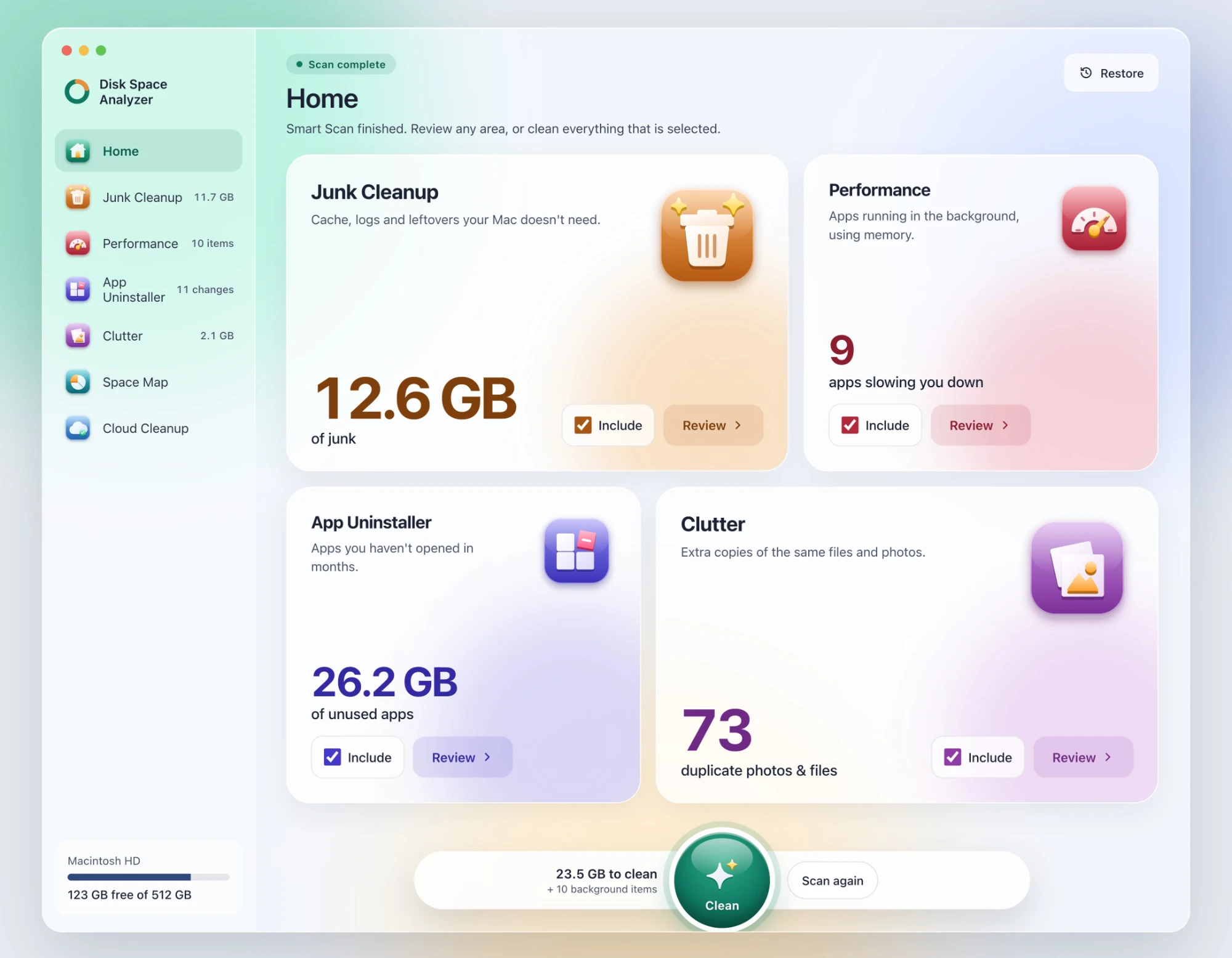
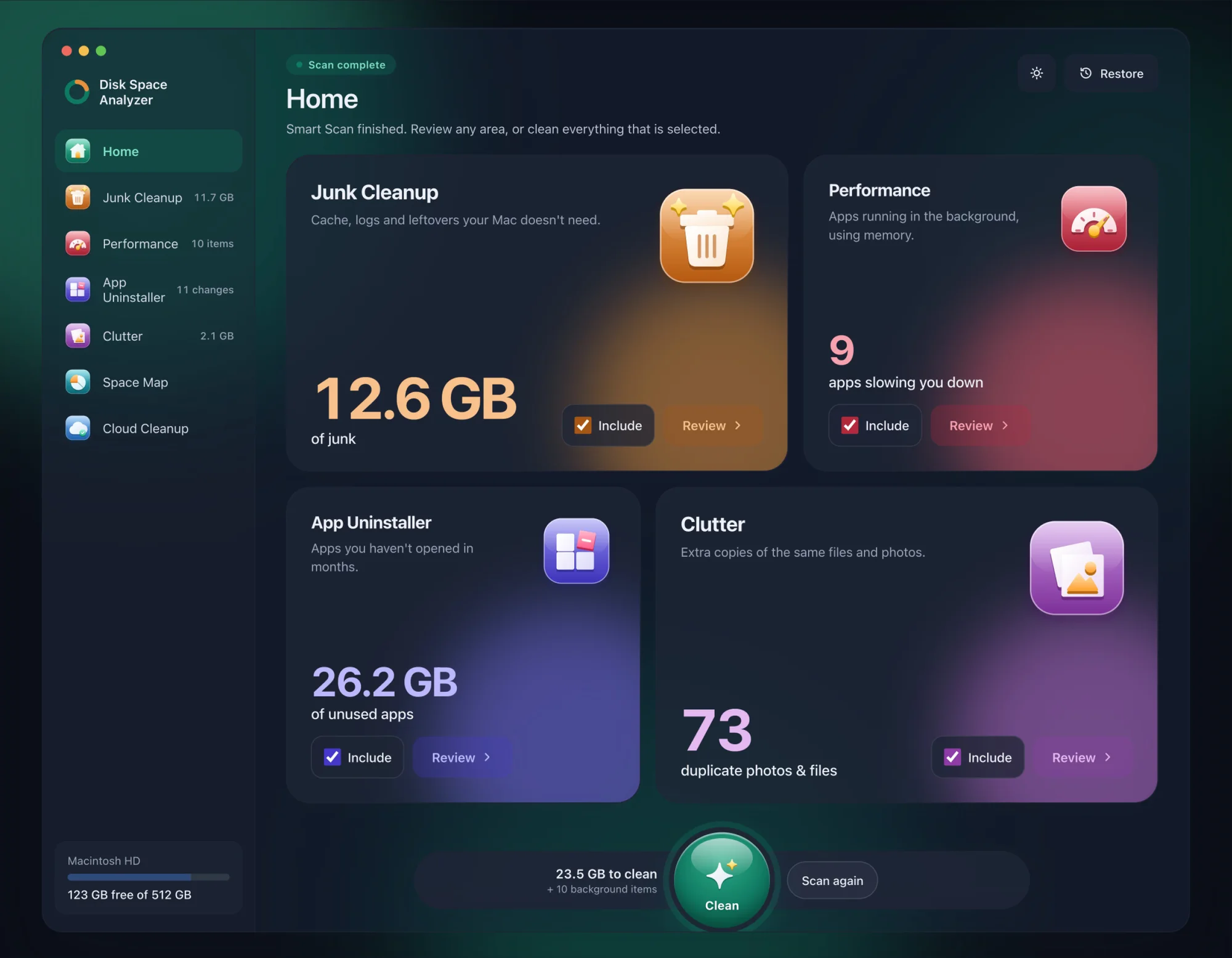
- DissectMac is ours: Smart Scan, Junk Cleanup, App Uninstaller, Clutter and a Performance check, plus Space Map, which draws your whole disk to scale. Every scan is free, every result is listed with its size before anything goes, and anything you remove stays in a Safe Bin for 30 days. Pro is $19.99 once. It has no malware scanner and isn't on the Mac App Store. We compare the two directly in our CleanMyMac alternative page.
- CCleaner for Mac has a free tier, but its listed requirements stop at macOS 13. See CCleaner for Mac.
- Free disk maps such as GrandPerspective and OmniDiskSweeper show where your space went but don't clean. Our DaisyDisk alternatives list compares them.
Is CleanMyMac approved by Apple?
CleanMyMac is available on the Mac App Store, so Apple reviewed and approved that version. Apple doesn't recommend any third-party cleaner, though, and its own advice for low storage is the Storage panel in System Settings > General.
Can CleanMyMac delete important files?
It can delete things you'd rather keep if you clean without looking, such as browser history or downloaded attachments. It doesn't touch your documents or photos in a normal Smart Care clean. Review each section before you confirm, and you'll avoid most surprises.
How do I uninstall CleanMyMac?
Quit CleanMyMac and its menu bar app, then drag it from Applications to the Trash. Its support files are in ~/Library/Application Support and ~/Library/Preferences under names containing com.macpaw. If you subscribed, cancel the subscription separately: in System Settings > Apple Account > Subscriptions for App Store purchases, or in your MacPaw account for direct ones.
The verdict
CleanMyMac is safe, legitimate and well made. Whether it's worth about $40 a year depends on how often you'll use it. If you want the polish and the malware scan, it's a fine choice. If you mainly want to find what's filling your disk and clear it, a one-time tool or a free one does the job for less.
More guides
Compare
DaisyDisk Alternatives: Free Disk Analyzers We've Actually Tested
The best free DaisyDisk alternatives for Mac in 2026, compared: DissectMac, GrandPerspective, SquirrelDisk, OmniDiskSweeper, WizTree for Mac and Disk Inventory X.
Compare
WinDirStat for Mac: The Closest Equivalents
There's no WinDirStat for Mac, and no TreeSize either, but WizTree now has a Mac version. The Mac apps that work like them, and which to pick.
Compare
Disk Inventory X on Mac: Does It Still Work?
Disk Inventory X's last release was 1.3 in 2019, built for Intel Macs. How it runs on Apple Silicon and macOS 15, the community revival, and alternatives.
Compare
CCleaner for Mac: Is It Worth It in 2026?
CCleaner for Mac still exists, but its listed system requirements stop at macOS 13. What the free and Pro versions do, the safety history, and alternatives.