On this page
There's no WinDirStat for Mac. WinDirStat is a Windows-only, open-source app, and TreeSize is Windows-only too. WizTree is the exception: its developer released WizTreeMac in September 2026, free for personal use. For WinDirStat's coloured treemap on a Mac, the closest matches are WizTree for Mac, GrandPerspective and Disk Inventory X, which was written after its author saw WinDirStat. DissectMac, which we make, draws the same kind of map and adds the cleanup tools WinDirStat never had.
If you've just moved from a Windows PC, the table below is the short version.
WinDirStat, WizTree and TreeSize on a Mac
| Windows app | Mac version? | Closest Mac equivalent |
|---|---|---|
| WinDirStat | No. Windows only, open source (GPL) | GrandPerspective (free treemap) or DissectMac's Space Map |
| WizTree | Yes, since September 2026: WizTreeMac 1.00, macOS 12 or later | WizTreeMac itself |
| TreeSize (JAM Software) | No. Windows only | OmniDiskSweeper (sorted list) or DissectMac |
Watch out for look-alikes: the Mac App Store has an app called "TreeSize - Disk Usage" that's made by a different developer and isn't JAM Software's TreeSize.
Running WinDirStat in a Windows virtual machine doesn't help either. It would show the virtual machine's disk, not your Mac's.
The Mac apps that work like WinDirStat
1. DissectMac: the map plus the cleanup
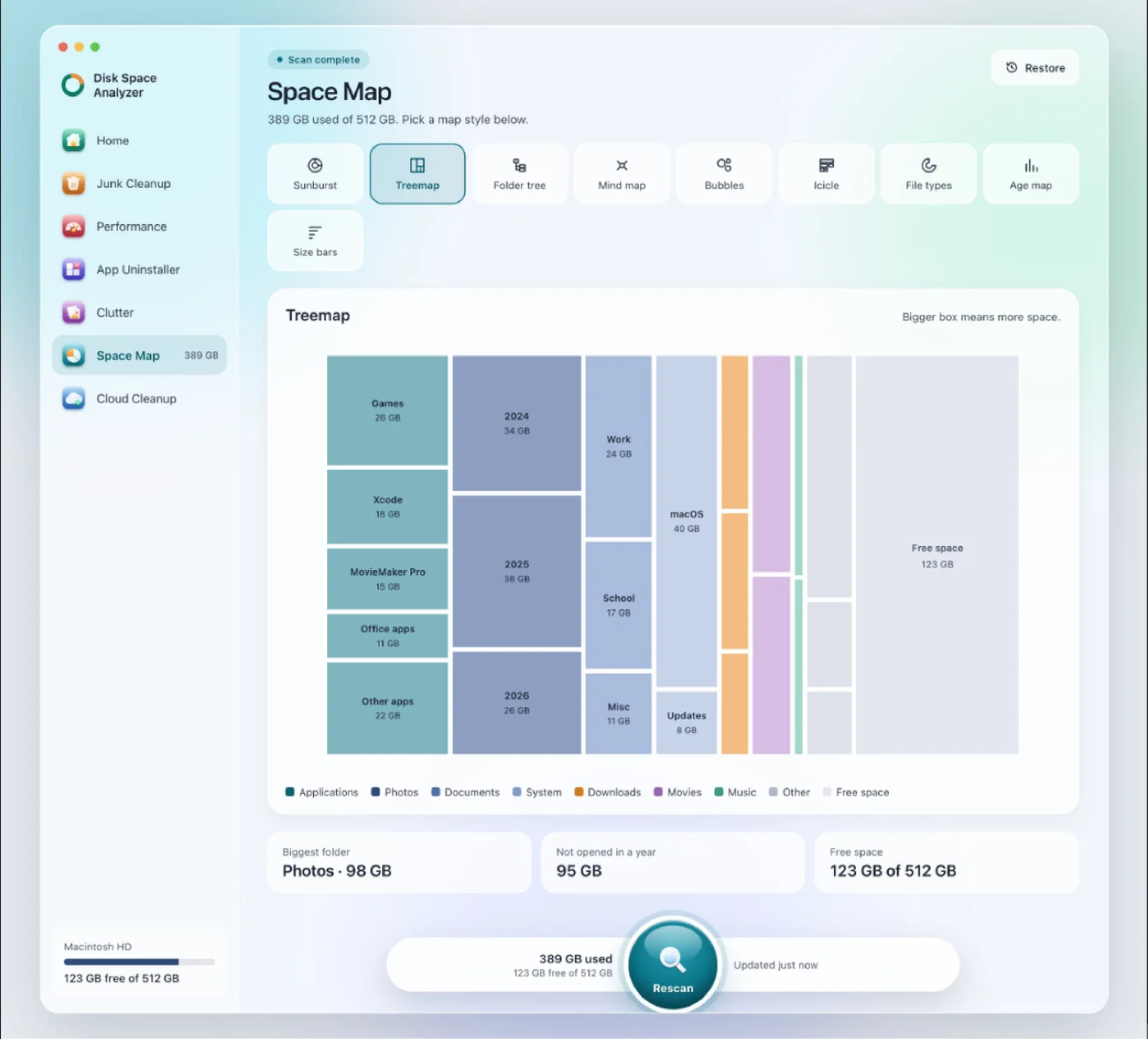
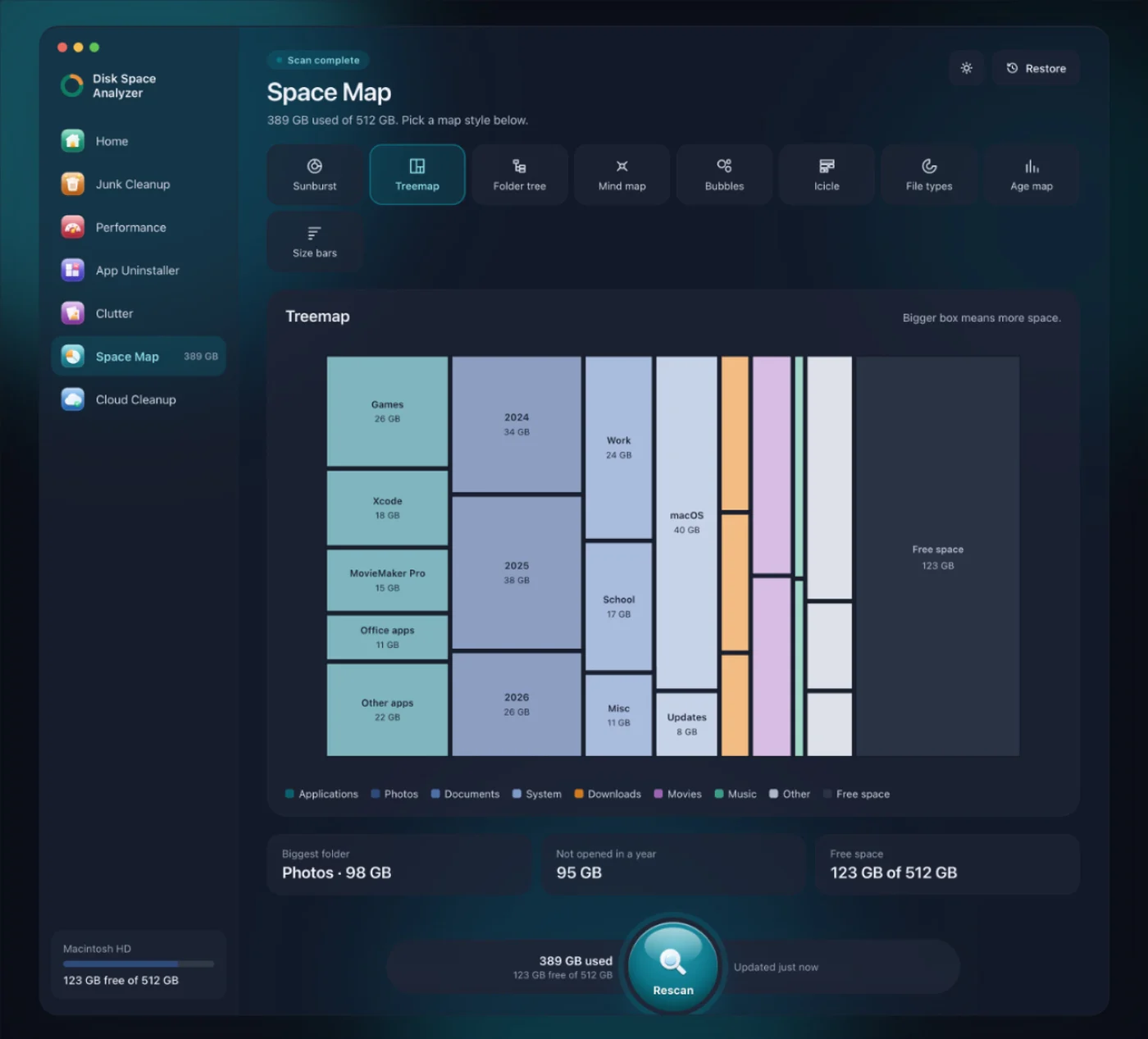
WinDirStat shows you what's big; deleting it is up to you. DissectMac does both. Space Map draws your disk to scale in nine views, including a Treemap that will look familiar from WinDirStat and a File types view that groups space by kind of file, much like WinDirStat's extension list. Click any block to zoom in.
Next to the map are cleanup tools: Smart Scan checks junk, background apps, unused apps and clutter in one pass, App Uninstaller removes apps with their hidden files, and Clutter finds duplicates and old downloads. On a Mac this matters more than on Windows, because apps leave support files in ~/Library when you drag them to the Trash, and those don't show up as anything you'd recognise on a map.
Every scan is free. Pro, $19.99 once, removes files from inside the app, and anything removed stays in a Safe Bin for 30 days. It needs macOS 15 or later and isn't open source.
2. WizTree for Mac: the same app, newly ported
If WizTree was your Windows tool, you can now use it on a Mac. WizTreeMac 1.00 came out on 16 September 2026 alongside WizTree 4.33 for Windows, with most of the Windows version's features: a sorted folder list with a treemap underneath, and CSV export that the Windows version can read. It runs on macOS 12 and later. It's free for personal use; businesses need a licence.
It's a first release, so expect rough edges, and it's analysis only. It won't uninstall apps or find what they left behind.
3. GrandPerspective: the free, open-source treemap
GrandPerspective is the nearest thing to WinDirStat in spirit: free, open source (GPLv2) and built around a treemap where every file is a rectangle. It's still maintained, with version 3.8.1 released in September 2026. The SourceForge download is free; the Mac App Store version costs $2.99. The interface is plainer than WinDirStat's, and there's no file-type list next to the map. More in GrandPerspective vs DissectMac.
4. Disk Inventory X: WinDirStat's Mac cousin
Disk Inventory X's author has said he built it after a friend showed him WinDirStat, and it has the same layout: a treemap with a file-type list beside it. The catch is age. The last official release was 1.3 in December 2019, for Intel Macs, so Apple Silicon Macs run it through Rosetta 2. A community fork, Disk Inventory Xs, runs natively. We go through both in Disk Inventory X on Mac.
5. OmniDiskSweeper: TreeSize's sorted list
If you used TreeSize for its sorted list rather than a picture, OmniDiskSweeper from The Omni Group is the Mac equivalent: folders listed largest first, free, and you can drill down and delete from the list.
For the command line: ncdu and dust
If you'd rather stay in Terminal, ncdu and dust are free and install with Homebrew (brew install ncdu or brew install dust). Both show folder sizes as a sorted list you can step through.
How the Mac options compare
| App | Price | Treemap | File-type breakdown | Cleans up for you | Maintained |
|---|---|---|---|---|---|
| DissectMac | Every scan free, Pro $19.99 once | Yes | Yes (File types view) | Yes (Pro) | Yes |
| WizTree for Mac | Free for personal use | Yes | In the Windows version; check the Mac build | No | Yes, new in 2026 |
| GrandPerspective | Free, or $2.99 on the App Store | Yes | No | No | Yes |
| Disk Inventory X | Free | Yes | Yes | No | No, last release 2019 |
| OmniDiskSweeper | Free | No, sorted list | No | No | Still offered by The Omni Group |
Is there a Mac version of WinDirStat?
No. WinDirStat only runs on Windows. On a Mac, GrandPerspective and Disk Inventory X draw the same kind of treemap, WizTree now has a Mac version, and DissectMac adds cleanup tools to the map.
Is there a TreeSize for Mac?
Not from JAM Software, which makes TreeSize for Windows only. The "TreeSize" app on the Mac App Store is a different app from a different developer. For a TreeSize-style sorted list, use OmniDiskSweeper; for a map, use one of the apps above.
Does WizTree work on Mac?
Yes, since September 2026. WizTreeMac 1.00 runs on macOS 12 and later and is free for personal use. Download it from WizTree's own site, diskanalyzer.com.
Can a Mac show disk space without an app?
Partly. Apple menu > System Settings > General > Storage shows space by category but not by folder, and a lot of it ends up in System Data. Our guides to checking storage on Mac and finding large files cover the built-in ways, including Finder and Terminal.
Which should you use?
- You used WizTree on Windows: WizTree for Mac.
- You want WinDirStat's free, open-source treemap: GrandPerspective.
- You want the map and the cleanup in one app: DissectMac, free to scan, $19.99 once to clean.
- You liked TreeSize's sorted list: OmniDiskSweeper.
More guides
Compare
DaisyDisk Alternatives: Free Disk Analyzers We've Actually Tested
The best free DaisyDisk alternatives for Mac in 2026, compared: DissectMac, GrandPerspective, SquirrelDisk, OmniDiskSweeper, WizTree for Mac and Disk Inventory X.
Compare
Is CleanMyMac Safe? An Honest Review
Is CleanMyMac safe and legit? It's not malware and it's on the Mac App Store. Where the real risks are, what it costs, and whether your Mac needs it.
Compare
Disk Inventory X on Mac: Does It Still Work?
Disk Inventory X's last release was 1.3 in 2019, built for Intel Macs. How it runs on Apple Silicon and macOS 15, the community revival, and alternatives.
Compare
CCleaner for Mac: Is It Worth It in 2026?
CCleaner for Mac still exists, but its listed system requirements stop at macOS 13. What the free and Pro versions do, the safety history, and alternatives.