On this page
CCleaner for Mac is a real, current product from Piriform, the company behind CCleaner for Windows. The free version cleans caches and junk, finds duplicate files, uninstalls apps and manages startup items. The paid Professional version adds a photo analyzer, scheduled browser cleaning and automatic Trash emptying. The catch is support: CCleaner's own product page lists macOS 10.12 Sierra to macOS 13 Ventura as the system requirements, and doesn't mention the three macOS versions released since.
We make DissectMac, a Mac cleaner that competes with CCleaner, so weigh what follows with that in mind. Everything below about CCleaner comes from its own product and download pages, checked on 12 November 2026.
What CCleaner for Mac does
CCleaner's Mac version is a separate app from the Windows one, with fewer features. There's no registry cleaner (Macs don't have a registry) and no driver updater (macOS handles drivers itself). Here's what each edition includes, from ccleaner.com:
| Feature | Free | Professional | Professional Plus |
|---|---|---|---|
| Clean caches, logs and other clutter | Yes | Yes | Yes |
| Find duplicate files | Yes | Yes | Yes |
| Uninstall apps | Yes | Yes | Yes |
| Manage startup items | Yes | Yes | Yes |
| Analyze photos (blurry, badly lit, near-identical) | No | Yes | Yes |
| Clean browsers on a schedule | No | Yes | Yes |
| Empty the Trash automatically | No | Yes | Yes |
| Devices | 1 | 1 | 3, plus CCleaner for PC and Android |
CCleaner says the Free and Professional editions are for home use only. The price of Professional is shown in your local currency at checkout and often appears with a discount, so check the current figure on ccleaner.com rather than trusting a number in an old review.
Does CCleaner work on macOS Sequoia and macOS 26?
CCleaner hasn't said. The latest version, 2.11.194, came out on 19 June 2026 as a maintenance release for EU regulations. The download page says it needs "64-bit macOS 10.10 and above", while the main product page lists macOS 10.12 to macOS 13 Ventura and stops there. Neither page mentions macOS 14 Sonoma, macOS 15 Sequoia or macOS 26 Tahoe.
That doesn't mean it fails on a current Mac. It means that if a macOS update breaks something, you're relying on a vendor that doesn't list your system as supported. For a tool that deletes files, that's worth knowing before you install it.
Is CCleaner safe on a Mac?
The Mac app itself has no known malware history. The two stories people remember are both about something else.
The 2017 hack was Windows-only. In August 2017, attackers compromised Piriform's build system, and CCleaner for Windows 5.33 and CCleaner Cloud 1.07 shipped with a hidden backdoor. The Mac and Android versions weren't affected.
The data-selling case was Avast, not CCleaner. Avast bought Piriform in 2017 (Avast later merged into Gen Digital, which owns CCleaner today). In 2020 Avast closed Jumpshot, a subsidiary that had sold browsing data collected through Avast's antivirus and browser extensions, and in 2024 the US Federal Trade Commission fined Avast $16.5 million over it. The FTC case covered Avast's products; we found no finding against CCleaner for Mac.
The practical risks are the ones that come with any cleaner: deleting something you needed. CCleaner's free version is reasonably conservative, but its automatic options (scheduled browser cleaning, automatic Trash emptying) remove things without asking each time. Read what's selected before you clean, and turn off the browser items you don't want wiped, such as saved logins and autofill.
Do you need CCleaner on a Mac at all?
Most Macs don't need a cleaner running in the background. macOS clears many caches itself, and a lot of what cleaners delete rebuilds the next time you open the app. A cleaner earns its place on the space macOS doesn't manage for you:
- Leftovers from deleted apps. Dragging an app to the Trash leaves its support files in
~/Library. Our guide to uninstalling apps on Mac shows where they hide. - Developer files. Xcode build data, simulators, Docker disk images and
node_modulesfolders can reach tens of gigabytes. See Xcode DerivedData and shrinking Docker's disk. - System Data that won't explain itself. The grey bar in Storage settings is mostly caches, snapshots and leftovers. Our System Data guide goes through it.
- Duplicates and old downloads. Covered in finding duplicate files and deleting downloads.
You can do all of this by hand in Finder. A cleaner saves time if it shows you exactly what it found before deleting it.
CCleaner for Mac alternatives
| App | Price | Supports current macOS | Uninstaller with leftovers | Shows a map of your disk |
|---|---|---|---|---|
| DissectMac | Every scan free, Pro $19.99 once | Yes, macOS 15 Sequoia and later | Yes | Yes, Space Map |
| CCleaner for Mac | Free, Professional paid | Requirements list stops at macOS 13 | Uninstaller included | No |
| CleanMyMac | About $40 a year for one Mac, or a one-time licence | Yes, macOS 11 and later | Yes | Yes |
| Manual cleanup | Free | Yes | You find the leftovers yourself | Storage settings only |
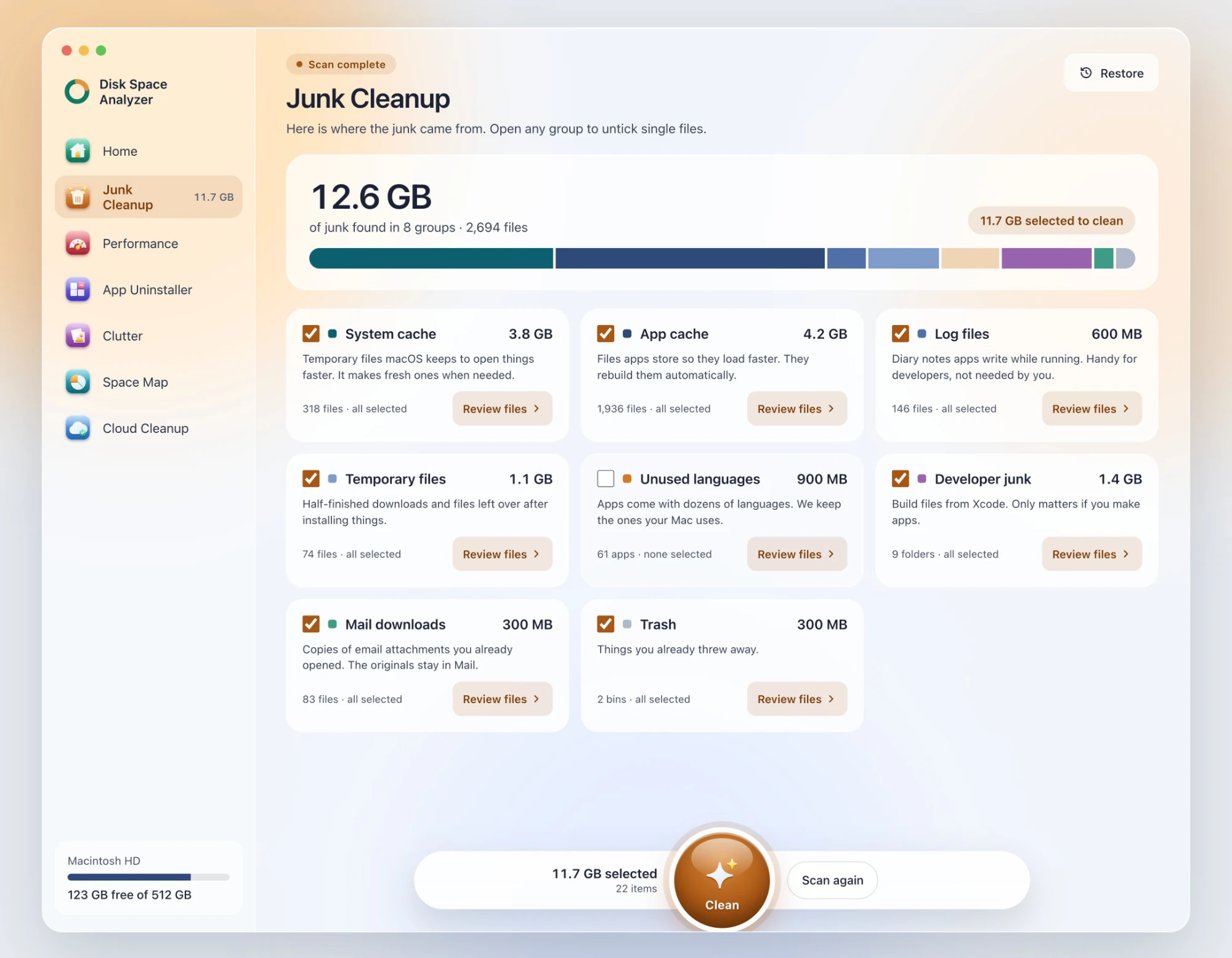
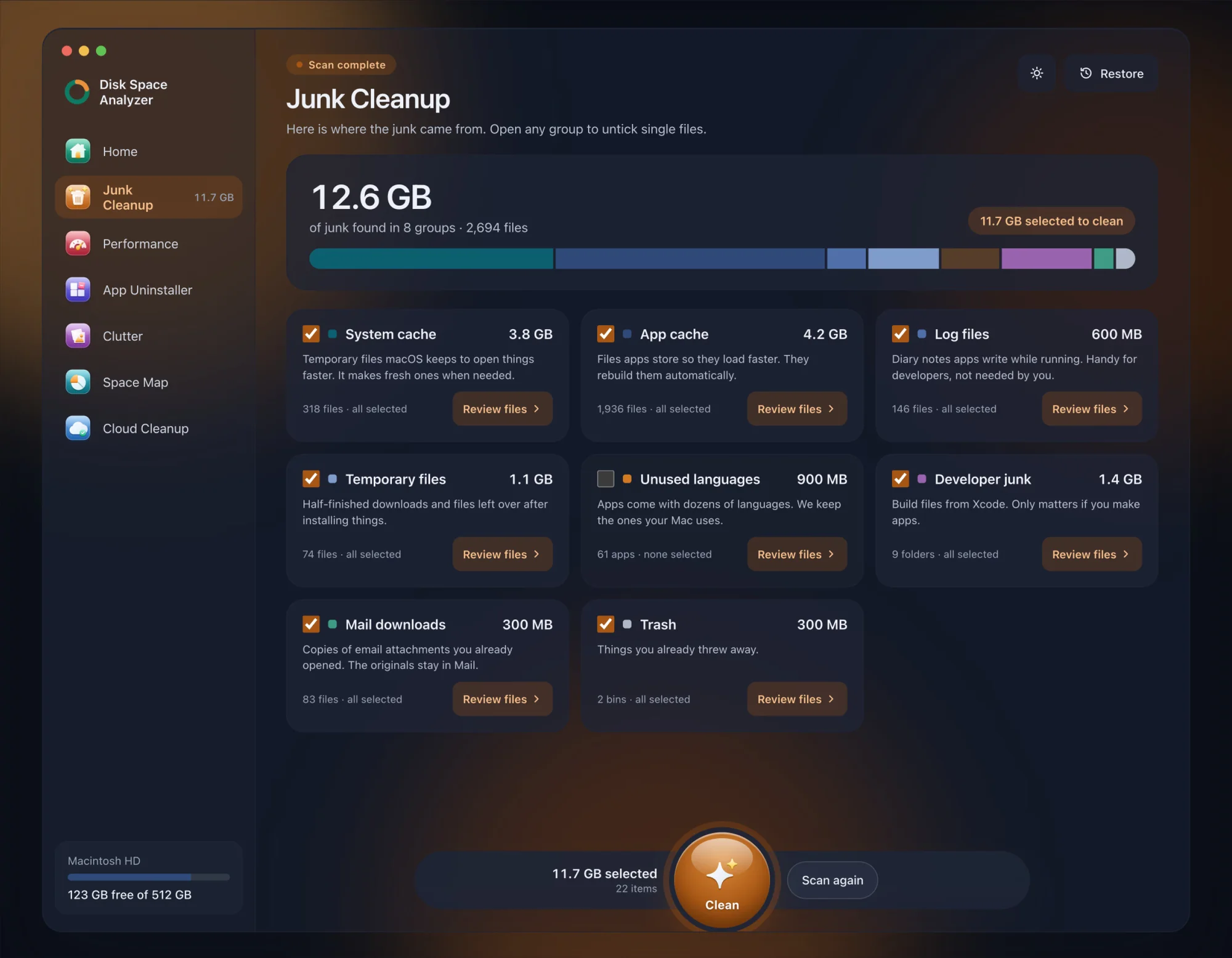
DissectMac is ours. Smart Scan checks junk, background apps, unused apps and clutter in one pass, and every result is listed with its size before anything is removed. App Uninstaller removes apps with their hidden files and finds what apps you already deleted left behind. Space Map draws the whole disk to scale, which CCleaner doesn't do. Anything you remove stays in a Safe Bin for 30 days. Scanning is free; cleaning inside the app is Pro, $19.99 once. It's not open source, and it doesn't schedule browser cleaning the way CCleaner Professional does.
CleanMyMac from MacPaw is the most polished of the paid cleaners and includes a malware scanner. It's mostly sold as a subscription. We looked at its safety record in Is CleanMyMac safe?
Doing it by hand costs nothing. Start with how to free up space on Mac, which lists the fixes in order of how much space they usually recover.
How do I remove CCleaner from my Mac?
Quit CCleaner, including its menu bar icon if you turned it on, then drag CCleaner from the Applications folder to the Trash. To remove what it leaves behind, open Finder, press Cmd + Shift + G and check ~/Library/Application Support, ~/Library/Caches and ~/Library/Preferences for items named CCleaner or starting with com.piriform. If you paid for Professional, cancel the renewal in your CCleaner account first, because deleting the app doesn't cancel it.
Is CCleaner for Mac free?
Yes, there's a free version that cleans junk, finds duplicates, uninstalls apps and manages startup items. Professional, which adds the photo analyzer and scheduled cleaning, is paid. Both are for home use only, according to CCleaner.
Does CCleaner for Mac have a registry cleaner?
No. Macs don't have a Windows-style registry, so there's nothing to clean. App settings live in individual preference files in ~/Library/Preferences, which is why removing an app's leftovers matters more on a Mac.
Which should you use?
- You already own CCleaner Professional and it runs fine: keep using it, and check its selections before each clean.
- You want a cleaner that lists current macOS as supported and shows every file first: DissectMac, free to scan, $19.99 once to clean.
- You don't want to install anything: follow how to free up space on Mac step by step.
More guides
Compare
DaisyDisk Alternatives: Free Disk Analyzers We've Actually Tested
The best free DaisyDisk alternatives for Mac in 2026, compared: DissectMac, GrandPerspective, SquirrelDisk, OmniDiskSweeper, WizTree for Mac and Disk Inventory X.
Compare
WinDirStat for Mac: The Closest Equivalents
There's no WinDirStat for Mac, and no TreeSize either, but WizTree now has a Mac version. The Mac apps that work like them, and which to pick.
Compare
Is CleanMyMac Safe? An Honest Review
Is CleanMyMac safe and legit? It's not malware and it's on the Mac App Store. Where the real risks are, what it costs, and whether your Mac needs it.
Compare
Disk Inventory X on Mac: Does It Still Work?
Disk Inventory X's last release was 1.3 in 2019, built for Intel Macs. How it runs on Apple Silicon and macOS 15, the community revival, and alternatives.