On this page
- What is kerneltask?
- Why can't you quit kerneltask?
- Check what's heating the Mac with Activity Monitor
- What makes a Mac run hot?
- Reset the SMC on an Intel Mac
- kerneltask on Apple silicon Macs
- When is high kerneltask a hardware problem?
- Keep the heat sources in check
- Is kerneltask a virus?
- Why is kerneltask using so much memory?
- Why is my Mac slow when kerneltask is high?
When kernel_task shows high CPU on a Mac, macOS is managing heat. Apple's support article says kernel_task helps control the processor's temperature by making the CPU less available to processes that are using it heavily. It reacts to heat; it doesn't cause it. Find what's making the Mac hot, cool it down, and kernel_task drops back on its own.
So the high number isn't kernel_task doing work. It's kernel_task holding the CPU back so the other apps can't, which is why the whole Mac feels slow while it happens.
What is kernel_task?
kernel_task is the core of macOS, shown in Activity Monitor as a single process. It sits under every app: it schedules the processor, manages memory and talks to the hardware. One of those jobs is temperature control. When the CPU gets too warm, kernel_task claims CPU time itself, so heat-producing apps get less of it and the chip cools down.
Apple notes that kernel_task can do this even when the Mac doesn't feel hot to you, because it reacts to the temperature inside the computer, not on the case.
Why can't you quit kernel_task?
Because it is macOS. There is no app behind it to close. The Force Quit button in Activity Monitor does nothing useful here, and stopping the kernel would mean shutting down the Mac. The only way to bring the number down is to remove the heat it's reacting to.
Check what's heating the Mac with Activity Monitor
Apple's advice is to find the processes using the CPU heavily and quit them.
- Open Activity Monitor (Cmd + Space, type
Activity Monitor, press Return). - Click the CPU tab and sort by % CPU.
- Look at the processes listed below kernel_task. An app, a browser tab or a helper using a lot of CPU is the heat source.
- Quit it normally, or select it and click the X button in the toolbar, then Quit or Force Quit.
Percentages above 100 are normal on a Mac: each processor core counts as 100 percent, so a figure of 300 percent is three cores' worth. Give the Mac a few minutes after quitting the app; kernel_task falls back as the chip cools. Our guide to Activity Monitor, the Mac's task manager, explains the other tabs.
What makes a Mac run hot?
| Heat source | What to do |
|---|---|
| An app working the CPU hard: video export, a game, a runaway browser tab, Spotlight or Photos indexing | Quit it, or let indexing finish while the Mac is otherwise idle |
| Blocked vents or a soft surface | Use the Mac on a hard, flat surface; Apple says not to use a laptop on a bed, pillow or bedding |
| A hot room | Apple's operating range for Mac laptops is 50° to 95° F (10° to 35° C) ambient. Above that, throttling is expected |
| External displays | Driving extra screens adds work for the graphics hardware. Try unplugging them to see if kernel_task drops |
| Dust in the fans and heatsink | On older Intel Macs, have the fans cleaned at an Apple Store or Apple Authorized Service Provider |
| Charging while under heavy load | Charging adds heat. See the note on charging ports below |
Apple's fan article adds that when the room is warm, the fans turn on sooner and run faster, so loud fans plus a high kernel_task figure on a summer afternoon usually have the same cause.
If mds_stores or mdworker is the process under kernel_task, Spotlight is indexing; mds_stores high CPU explains how long that lasts.
Does charging on the left or right side matter?
Apple doesn't document this. Owners of some Intel MacBook Pro models with four Thunderbolt ports, the 2019 models in particular, have reported that kernel_task climbs when they charge from the left-side ports and settles when they move the charger to the right side. It costs nothing to test: if kernel_task rises mainly while charging, switch sides and watch Activity Monitor for ten minutes.
Reset the SMC on an Intel Mac
On Intel Macs, the System Management Controller (SMC) runs the fans and thermal sensors. Apple says you most likely don't need to reset it, but it's one of the listed fixes for heat and fan problems. Restart the Mac first; if kernel_task is still high afterwards, reset the SMC.
Intel laptop with the T2 chip (most 2018 to 2020 models):
- Shut down the Mac.
- Press and hold Control + Option + right Shift on the built-in keyboard for 7 seconds, then also press and hold the power button.
- Keep holding all four keys for another 7 seconds, then release them.
- Wait a few seconds and press the power button to turn the Mac on.
Older Intel laptop without the T2 chip: shut down, then hold left Shift + left Control + left Option and press the power button. Keep holding all four for 10 seconds, release, and turn the Mac on.
Intel desktop (iMac, Mac mini, Mac Pro): shut down and unplug the power cord. Wait 15 seconds, plug it back in, wait 5 seconds, then turn it on.
To check which you have, choose Apple menu > About This Mac. A Mac with Apple silicon lists a Chip (M1, M2 and so on); an Intel Mac lists a Processor.
kernel_task on Apple silicon Macs
There's no SMC reset to do: Apple says the SMC resets automatically on a Mac with Apple silicon, and a restart covers it. Apple silicon Macs generally run cooler, so a high kernel_task figure is less common. When it does happen, the causes are the same: a demanding app, a soft surface or a hot room. MacBook Air models with Apple silicon have no fan, so they slow down to control heat without the warning of fan noise.
When is high kernel_task a hardware problem?
Suspect hardware when kernel_task stays high with nothing else using the CPU, on a hard desk in a cool room, after a restart and an SMC reset. Two more checks:
- Start up in Safe Mode. It loads only what macOS needs, which rules out third-party software and drivers. If kernel_task is normal in Safe Mode, something you installed is the cause. See how to start a Mac in Safe Mode.
- Run Apple Diagnostics. On Apple silicon, shut down, press and hold the power button until startup options appear, then press Cmd + D. On Intel, turn the Mac on and hold D. It tests the fans, sensors and other hardware and gives a reference code if something fails.
A fan that never spins, a failing temperature sensor or an old battery can all leave kernel_task high. That's a repair for Apple or an Apple Authorized Service Provider.
Keep the heat sources in check
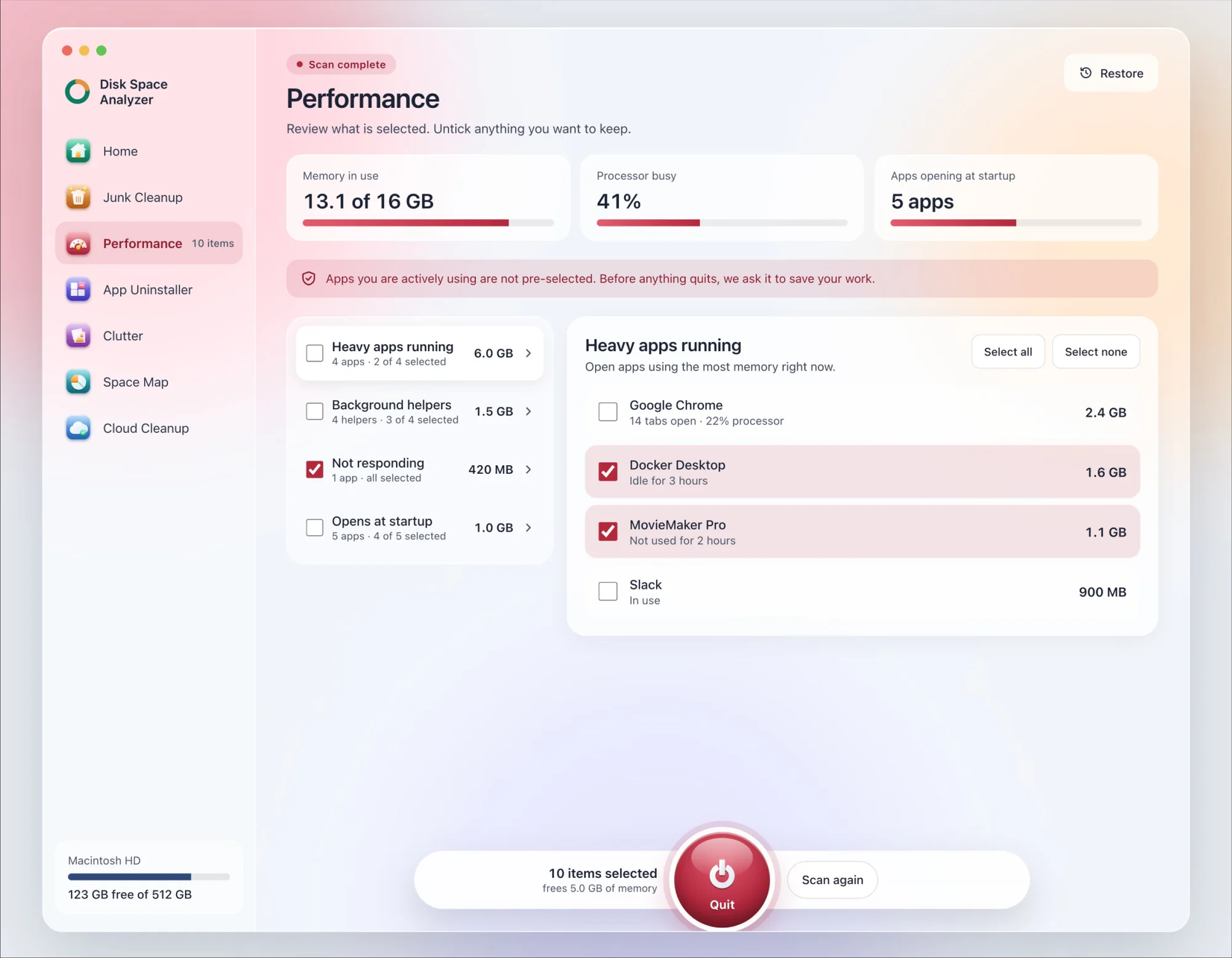
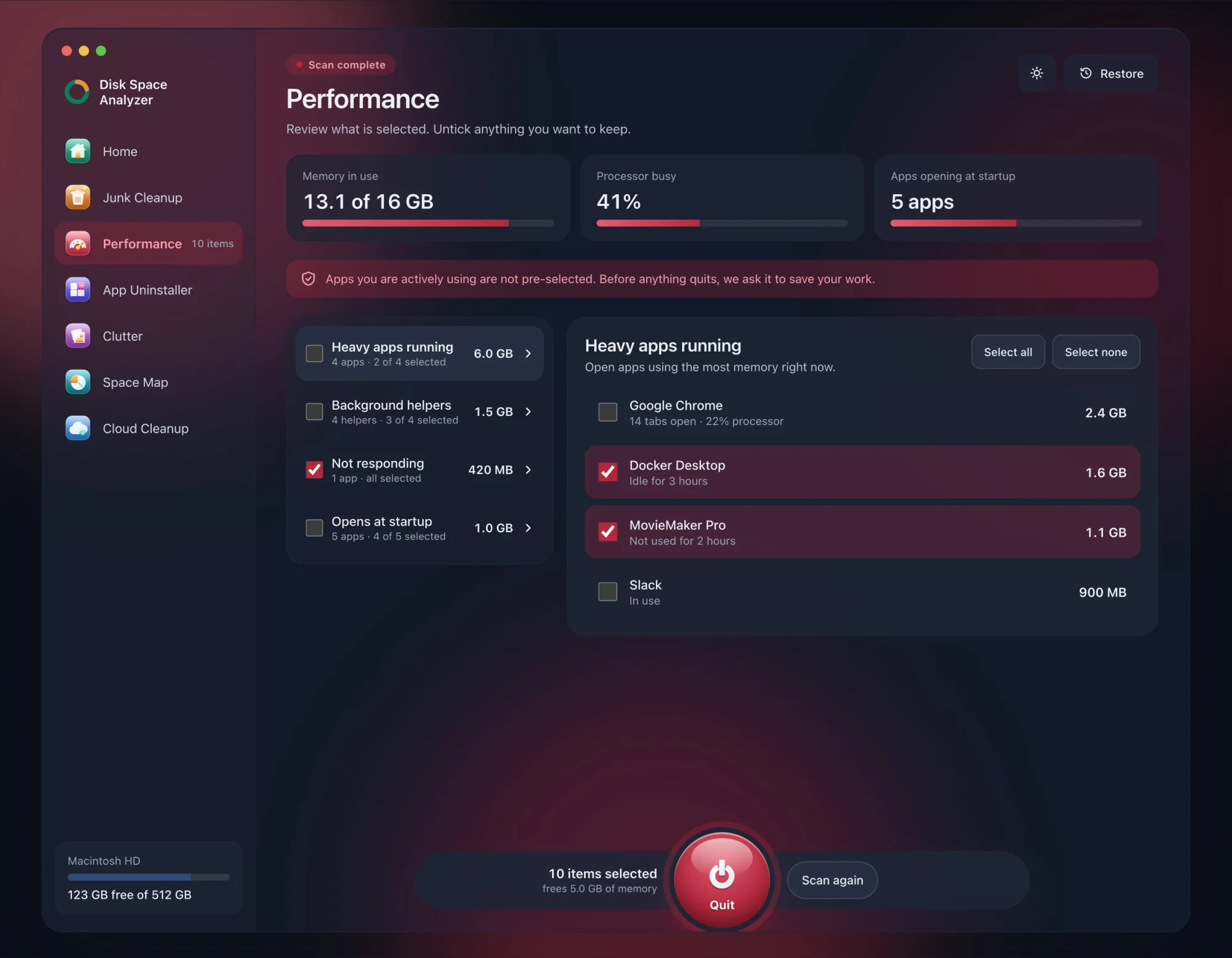
Most kernel_task episodes start with something running that you forgot about. We make DissectMac, and its free Performance scan lists the apps and background helpers using the most memory right now, plus everything set to open at login, so heavy apps you aren't using are easy to spot. Pro quits them from inside the app and asks each one to save your work first.
Is kernel_task a virus?
No. kernel_task is the macOS kernel and runs on every Mac. High CPU from it is a symptom of heat, not of malware.
Why is kernel_task using so much memory?
kernel_task's memory figure includes memory macOS reserves for itself and its drivers, so a figure of a few gigabytes is normal. It isn't something you can free by quitting apps. If memory is the problem, look at the Memory Pressure graph instead; how to clear RAM on a Mac explains it.
Why is my Mac slow when kernel_task is high?
Because kernel_task is keeping CPU time away from apps to let the chip cool. Everything you run gets a smaller share of the processor until the temperature comes down. Cool the Mac and the speed comes back; if it doesn't, why is my Mac so slow covers the other causes.
More guides
Speed
Why Is My Mac So Slow? 8 Causes and How to Fix Each One
A slow Mac usually has one of 8 causes: a full disk, memory pressure, a runaway process, login items, heat or old hardware. Find yours in 5 minutes and fix it.
Speed
mds_stores High CPU on Mac: What It Is and Fixes
mds_stores is Spotlight building its search index. Why it spikes after updates and big copies, how long it takes, and how to exclude folders or rebuild it.
Speed
How to Start a Mac in Safe Mode
How to boot a Mac in safe mode on Apple silicon and Intel, how to check it worked, what safe mode does, how to leave it and what your results mean.
Speed
How to Speed Up a MacBook (13 Fixes)
How to speed up a MacBook: restart, update, free disk space, quit heavy apps, trim login items and more. 13 fixes in order, plus what doesn't help.